














Skip to content

Payroll, HR, and tax for cannabis & CBD

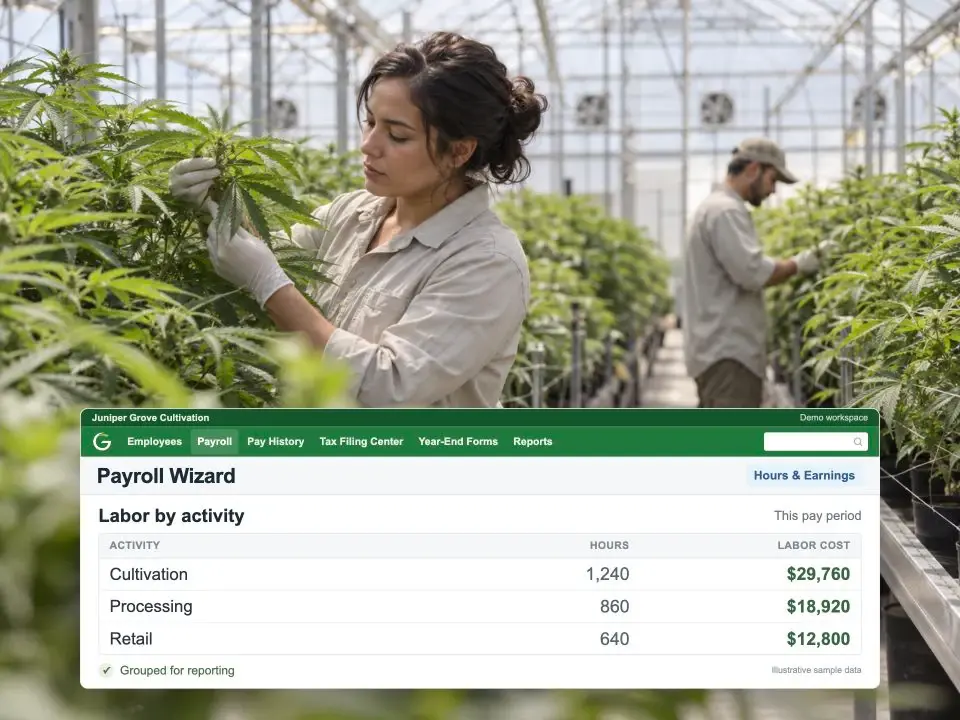
Cost every hour by activity

Split each hour across cultivation, processing, and retail as payroll runs. Your 280E labor is documented before your accountant asks.

Capterra rating 2M+ employees paid
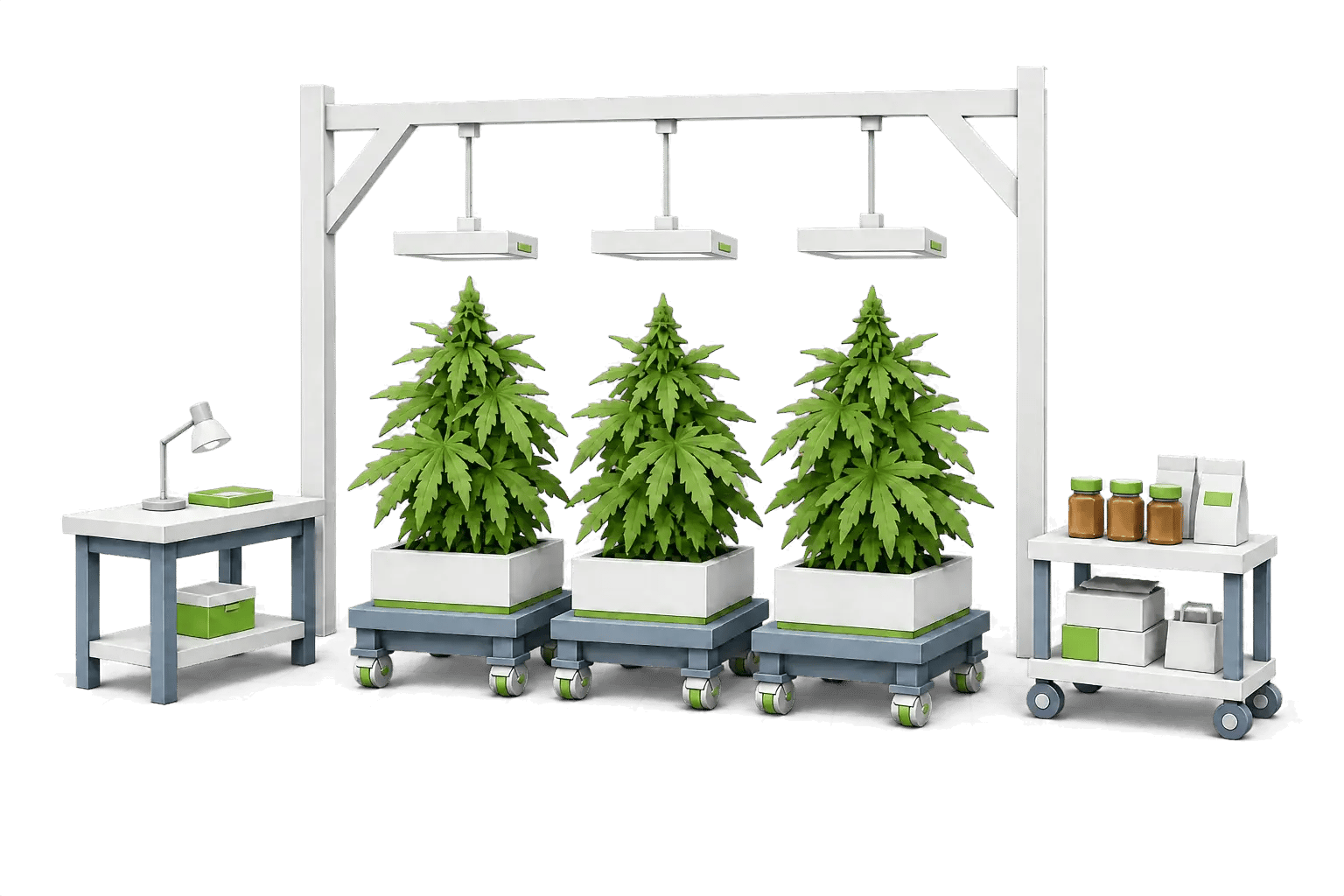
Layered-paper illustration of an indoor cannabis greenhouse with grow lights, benches of plants, and a retail counter

Purpose-built for cannabis

Handle the realities of cannabis workforce management

financial control

Keep control of your cash

Run payroll in-house with no pre-fund requirement, and choose any bank you want for direct deposit. Your cash stays yours until it's time to pay.

keep-control-of-your-cash-cannabis-full-width-be-f449e49f

reporting

Reporting-ready data

Custom fields tag each transaction by job or position, so your payroll data is already organized for 280E and other cannabis-specific reporting.
cost-allocation-6e223d0c

Workforce

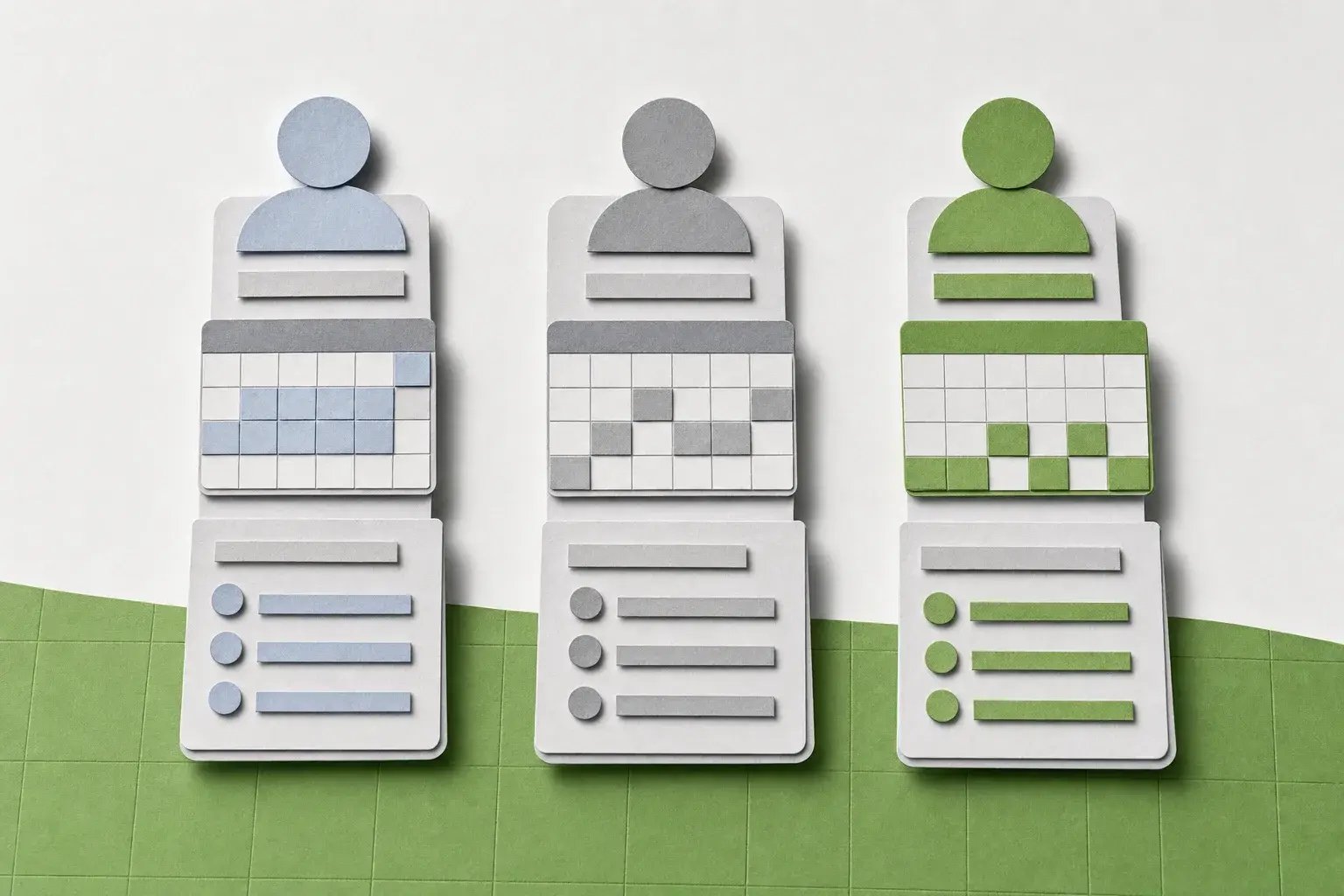
Pay different worker types

Run schedules for full-time, part-time, and seasonal staff, with the right classification and compliance rules applied automatically.
pay-different-worker-types-ff2578c4

payroll

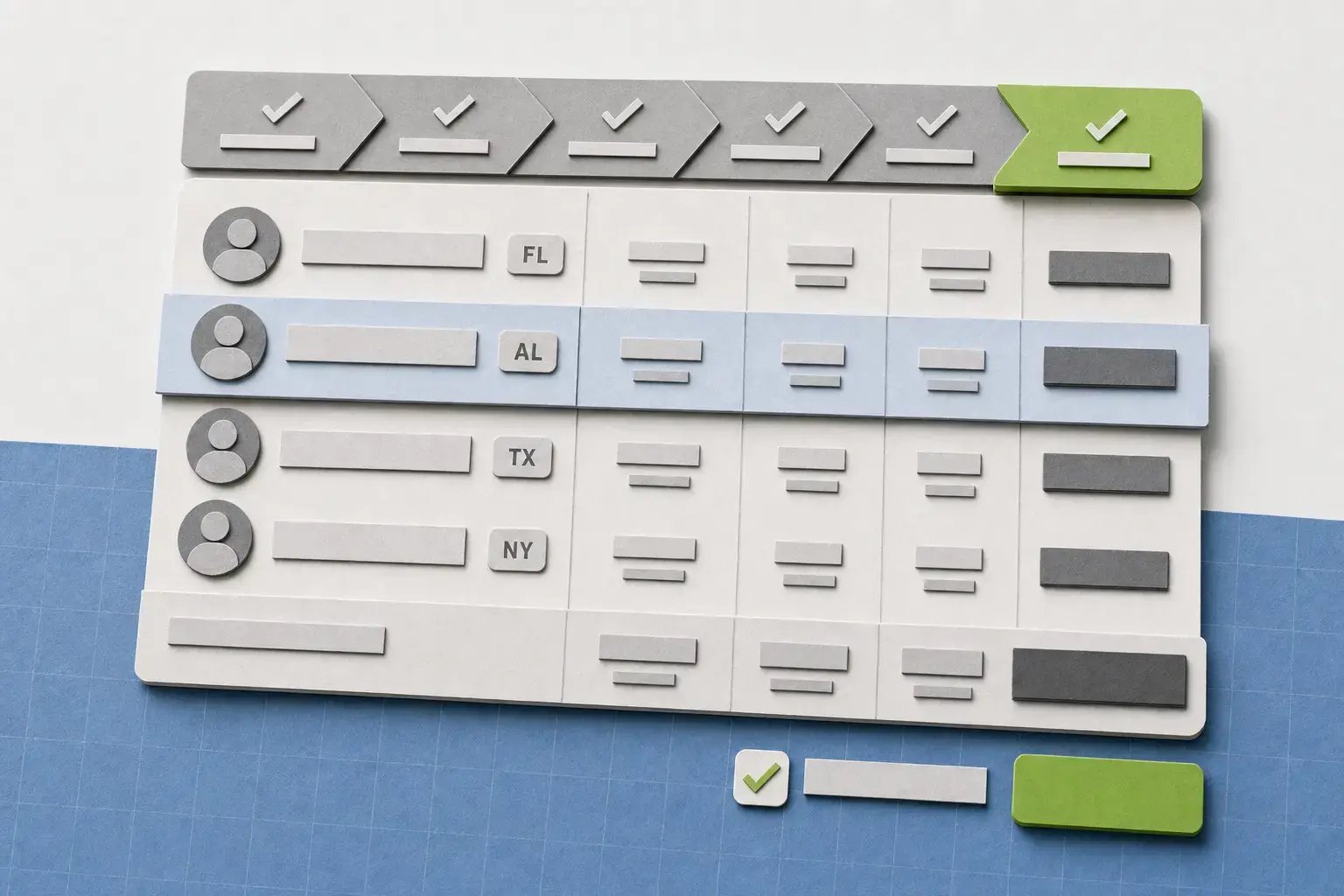
Complexity, handled

Unlimited earning codes, garnishments, and complex pay schedules — plus Form 8027 support for tipped employees in dispensaries and retail.
payroll-wizard-dashboard-flow-736c81a8

From hiring to reporting

Cannabis payroll, already connected

  1. Before day one

    Bring someone on

    New hires complete onboarding, tax forms, I-9, and direct deposit before they start, so employee data is ready when payroll is.

  2. Every pay period

    Capture time and earnings

    Bring in hours, shifts, tips, and earning codes as employees work, with the right payroll data attached before the pay run begins.

  3. On payday

    Run payroll your way

    Calculate taxes, deductions, overtime, garnishments, and other pay rules across the states and locations where you operate — while keeping payroll and cash under your control.

  4. When you need the numbers

    Report without rebuilding

    Use payroll data already captured in the system for 280E reporting, audits, finance reviews, and other cannabis-specific reporting needs.
cannabis-labor-by-activity

Synced to your systems

Payroll that works with what you've got

Connect Greenshades with your existing accounting and ERP systems so you can improve payroll and HR without rebuilding the rest of your technology stack.
greenshades-white

Greenshades

Payroll, tax, and HR

MicrosoftSageAcumatica

Your ERP

Accounting system

Good to know

Questions cannabis teams ask

Look for a system that can handle the way your business actually operates, including multi-state payroll, complex tax requirements, detailed reporting, tipped or hourly employees, and integrations with your existing accounting systems. The right platform should reduce manual work while giving you visibility into payroll and workforce data.

Payroll software can automate many of the calculations and processes that become difficult to manage manually, including multi-state tax withholding, overtime calculations, union requirements, and tipped-employee reporting. Keeping payroll and employee data in one system also makes records easier to access when you need them.

Yes. Greenshades supports multi-state payroll and tax requirements, helping you manage employees across different jurisdictions as your business grows.

Running payroll in-house gives you more control over your payroll process, data, and cash. With Greenshades, you can use your own bank for direct deposit rather than moving payroll funds into a pre-funded account with a third-party payroll provider.

Yes. Greenshades connects HR and payroll so employee information can move through hiring, onboarding, timekeeping, and payroll without your team repeatedly entering the same information into separate systems.

Ready when you are

A workforce partner that isn't going anywhere

See how Greenshades handles cannabis payroll, from license tracking to multi-state filings, with your own bank and your own pay schedule.

We only use your email to set up your demo, and personalize your experience.