

















Skip to content

Payroll, tax, and HR for manufacturing

Run plant pay through to finance

Calculate shift differentials, blended overtime, and piece-rate work. Completed labor costs post straight to finance, coded to the job.

Capterra rating Trusted by 4,000+ companies
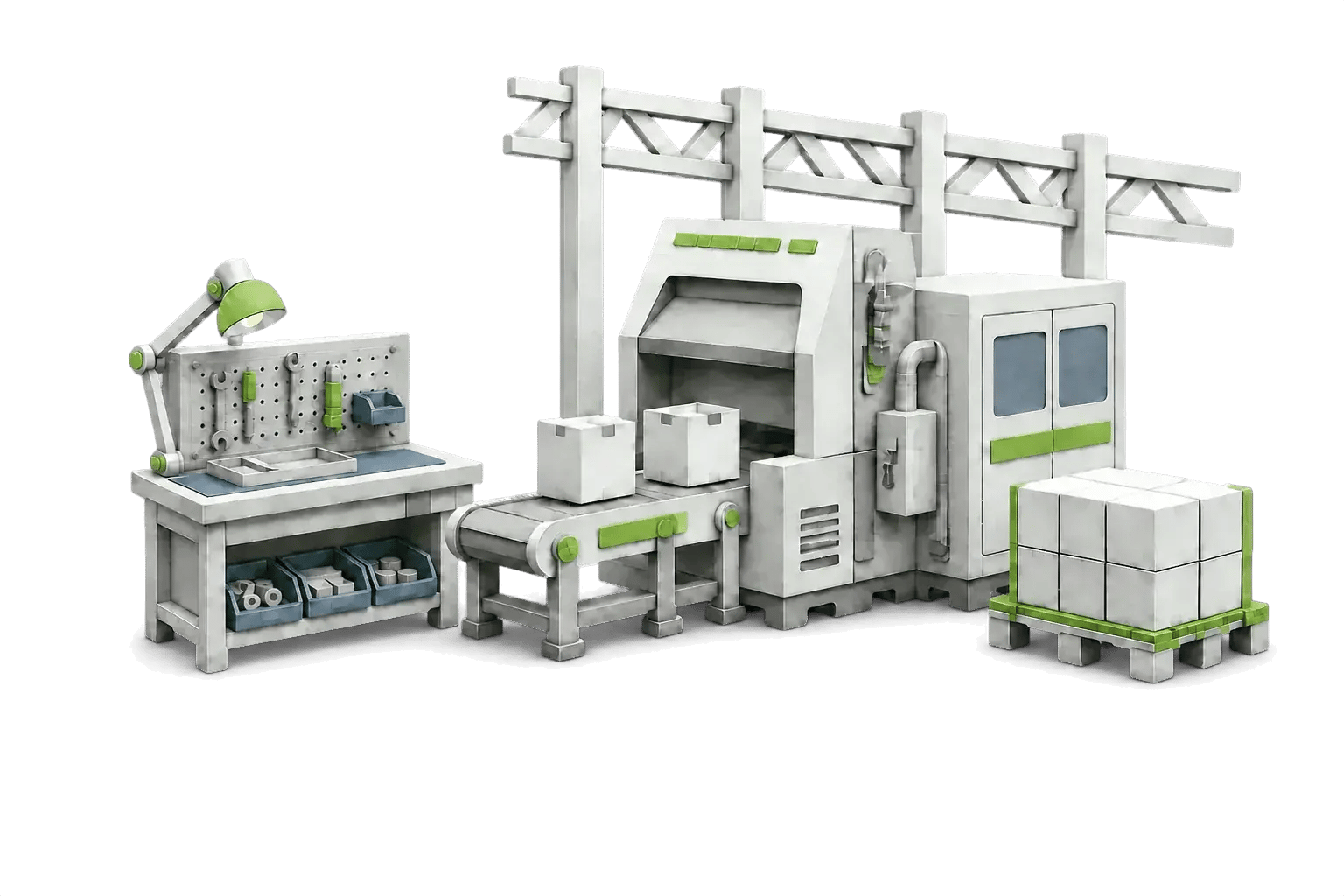
Layered-paper illustration of a plant production line — robot arm, conveyor, packaging machine and a finished pallet

From the plant floor to finance

Pay your workforce and accurately close the books

Cost allocation

Split labor the way finance reports it

Every hour carries its department, position, work location, and cost code, and the related benefit and employer-tax costs allocate across the same splits. Reviewed payroll posts to the GL clean, so finance isn't reclassing labor at month-end.
pie-chart-4b9d7d2d

Payroll

Run every shift rule in one pass

Shift differentials, blended overtime, double time, and piece rate resolve together, applied to the right employees and shifts.

payroll-wizard-dashboard-flow-736c81a8

Time and labor

Capture floor hours straight into the run

Crews clock in at the kiosk, badge, or web, and approved hours flow into payroll tagged to the job and cost center, no re-entry.

time-keeping-32f9a9a7

Cash flow

Keep your cash until taxes are due

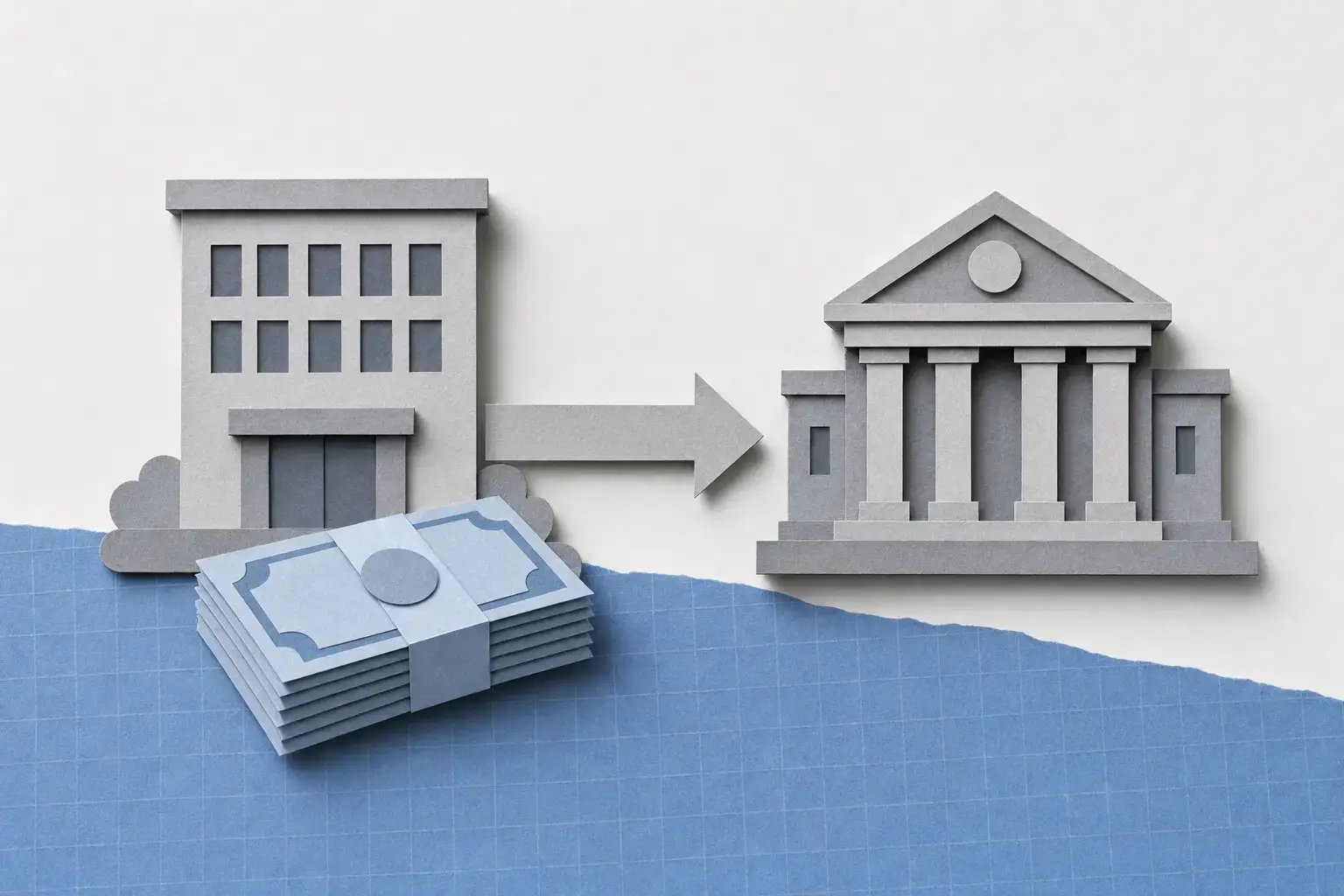
Taxes calculate, file, and remit straight from your bank account, so money isn't parked in a pre-funded account weeks early.

no-pre-fund-requirement-ab330b21

Fits your ERP

Payroll that posts where finance already works

Completed labor drops back into the cost centers, jobs, and GL your accounting runs on, over a supported integration or the open API. Run payroll on Greenshades and stay on Dynamics GP today, then move to Business Central when you're ready, on your timeline, not payroll's.

payclock-lathemjourneyxcelayixgreenshades

Your plant time

Kiosk, badge, and web

Hours in
greenshades-white

Greenshades

HR, payroll, and tax

Runs payroll
MicrosoftSageAcumatica

Your ERP

GL and job cost

Posts back

* Diagram is for illustrative purposes only

How a pay run comes together

Set the rules once, post it clean every time

The shift rules you build, the hours the floor logs, and the cost splits finance needs all resolve in a single run. What goes into payroll is what posts to the books, no rebuilding after the fact.

  1. Set the rules

    Build the pay rules once

    Shift differentials, holiday and overtime rules, and piece rates live on the employee and the shift, so they apply themselves every cycle instead of getting keyed by hand.

  2. Capture time

    Bring in the hours

    Kiosk, badge, and web punches flow in tagged to the job and cost center, so the rate and the allocation are set before the run, not sorted out later.

  3. Run the pay

    Let every rate resolve

    Blended overtime, double time, and piece rate all calculate in one pass. Your payroll admin reviews the numbers instead of building them.

  4. Post to finance

    Hand off a clean batch

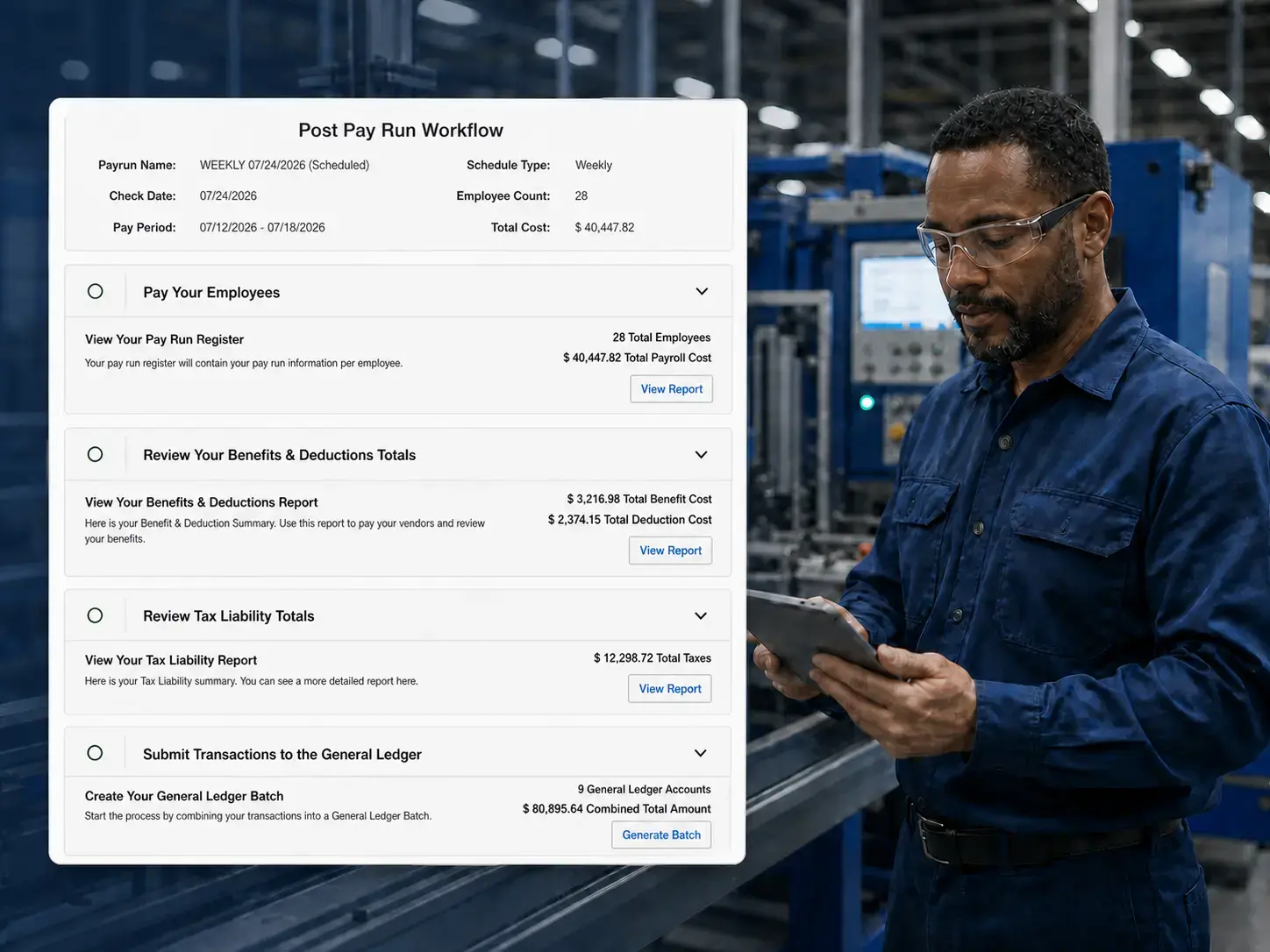
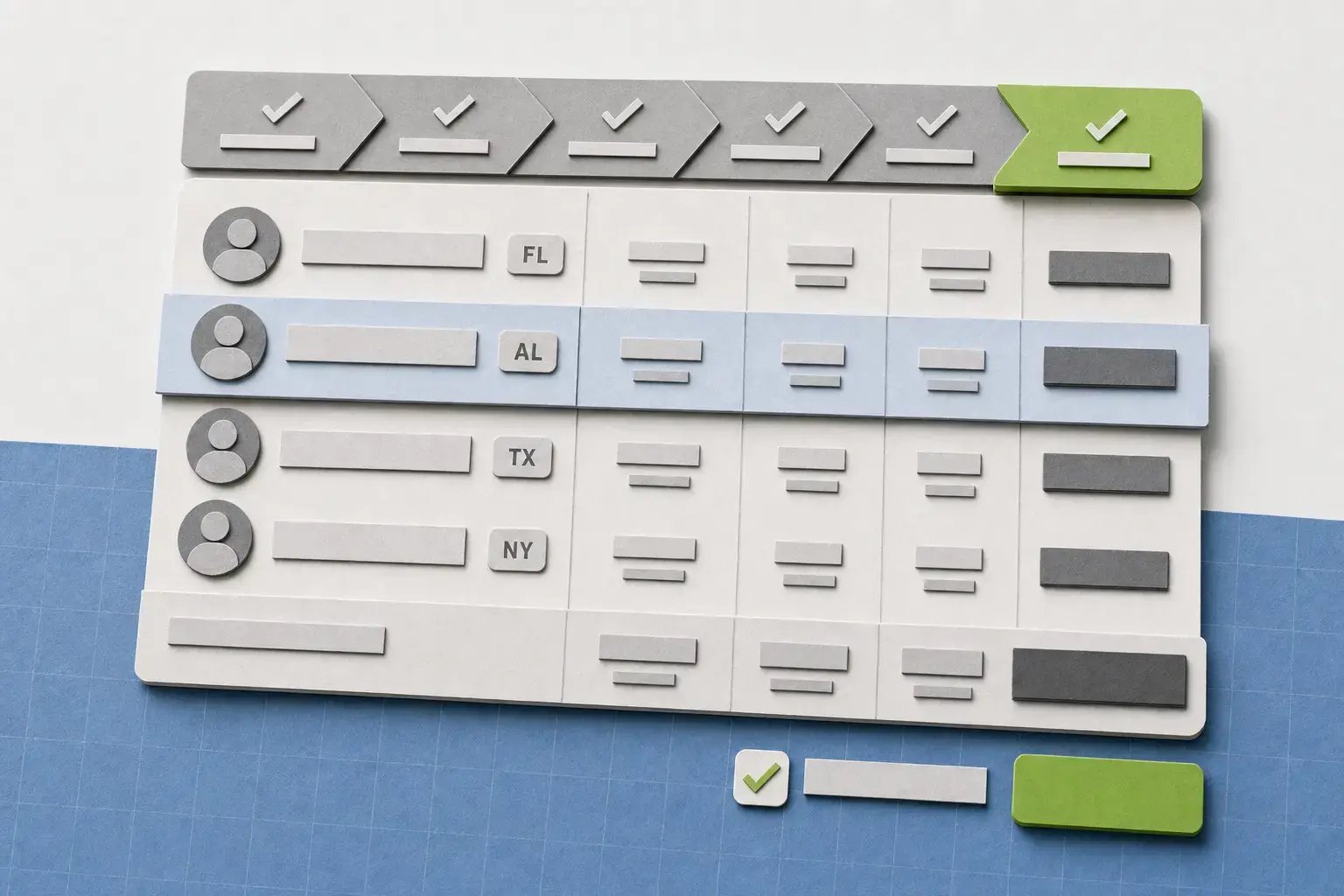
    Reviewed payroll posts to the GL as batches, split by department and cost center, ready for job and project cost where your integration supports it.
plant-payroll-review_v3

Good to know

Questions manufacturing teams ask

Greenshades supports configurable earning scenarios including shift differentials, blended overtime, multiple rates, holiday rules, and piece-rate earning codes with overtime or double time. The exact configuration should be reviewed against your pay policies and earning data.

Payroll can be split by department, position, work location, and custom fields, with related benefit and employer-tax costs allocated across the same splits. Supported finance integrations can then receive payroll data after the run, including post-payroll GL batches and supported project or job-cost data.

Greenshades supports a payroll-first path that can move payroll while Dynamics GP remains in place for financials, allowing the broader ERP decision to stay on its own timeline. If finance later moves to cloud Business Central, the standard integration supports employee records, GL accounts and dimensions, post-payroll GL batches, and supported job-cost data for the Projects/Jobs module. Integration scope depends on the customer’s version, configuration, and implementation.

Customers can remit payroll taxes directly from the company bank account without a prefunded tax account.

Ready when you are

See Greenshades with your plant payroll setup

A walkthrough centered on your pay rules, cost-allocation needs, tax footprint, and ERP timeline.