





















Skip to content

Year-end filing

Send every form the year ends with

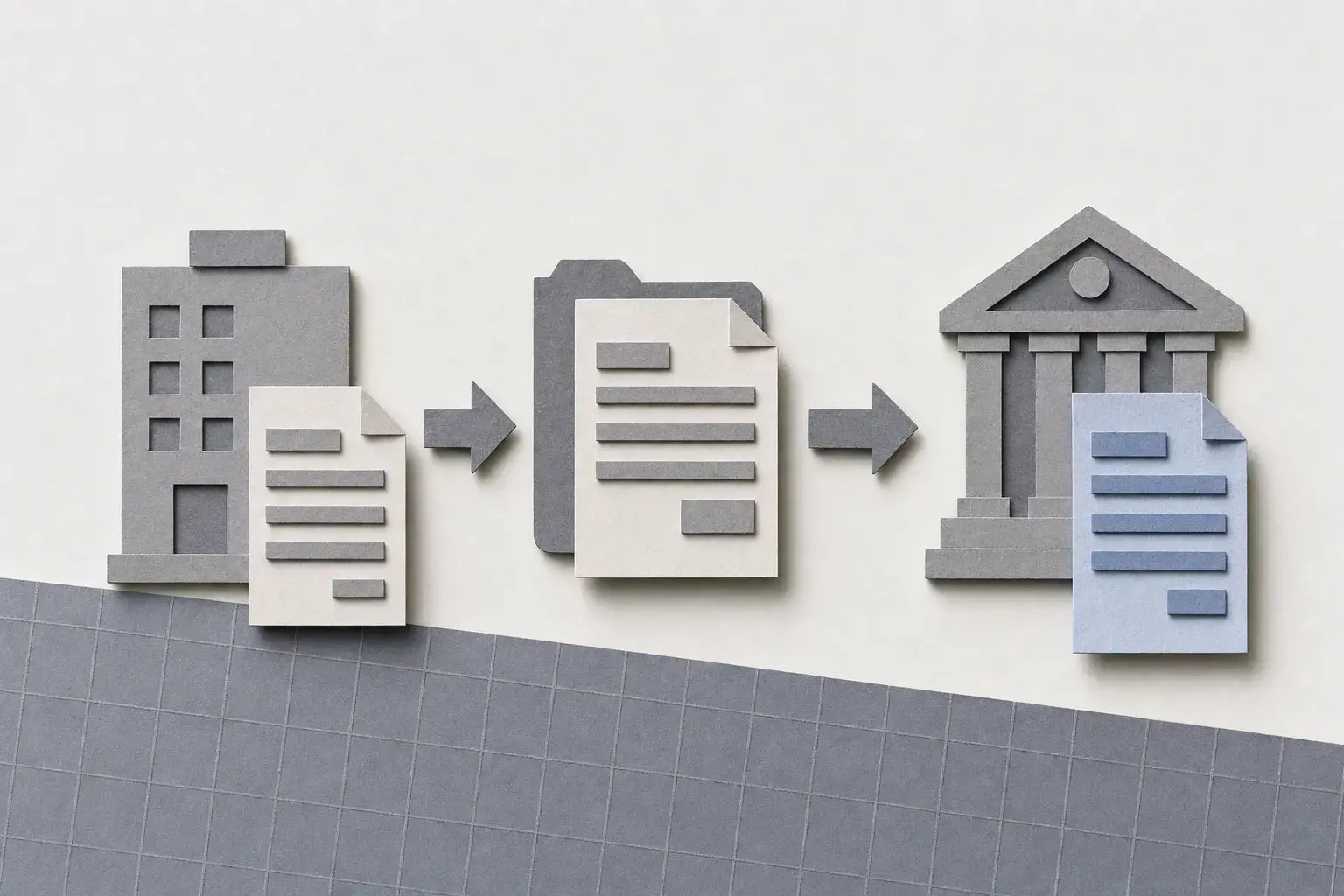
W-2s, 1099s, 1095-Cs, and corrections, prepared, verified, distributed, and e-filed from one place. Use Greenshades payroll data or import your own.

Capterra rating 55M+ forms processed

What's included

Everything you need for year-end filing

form types

Full form coverage

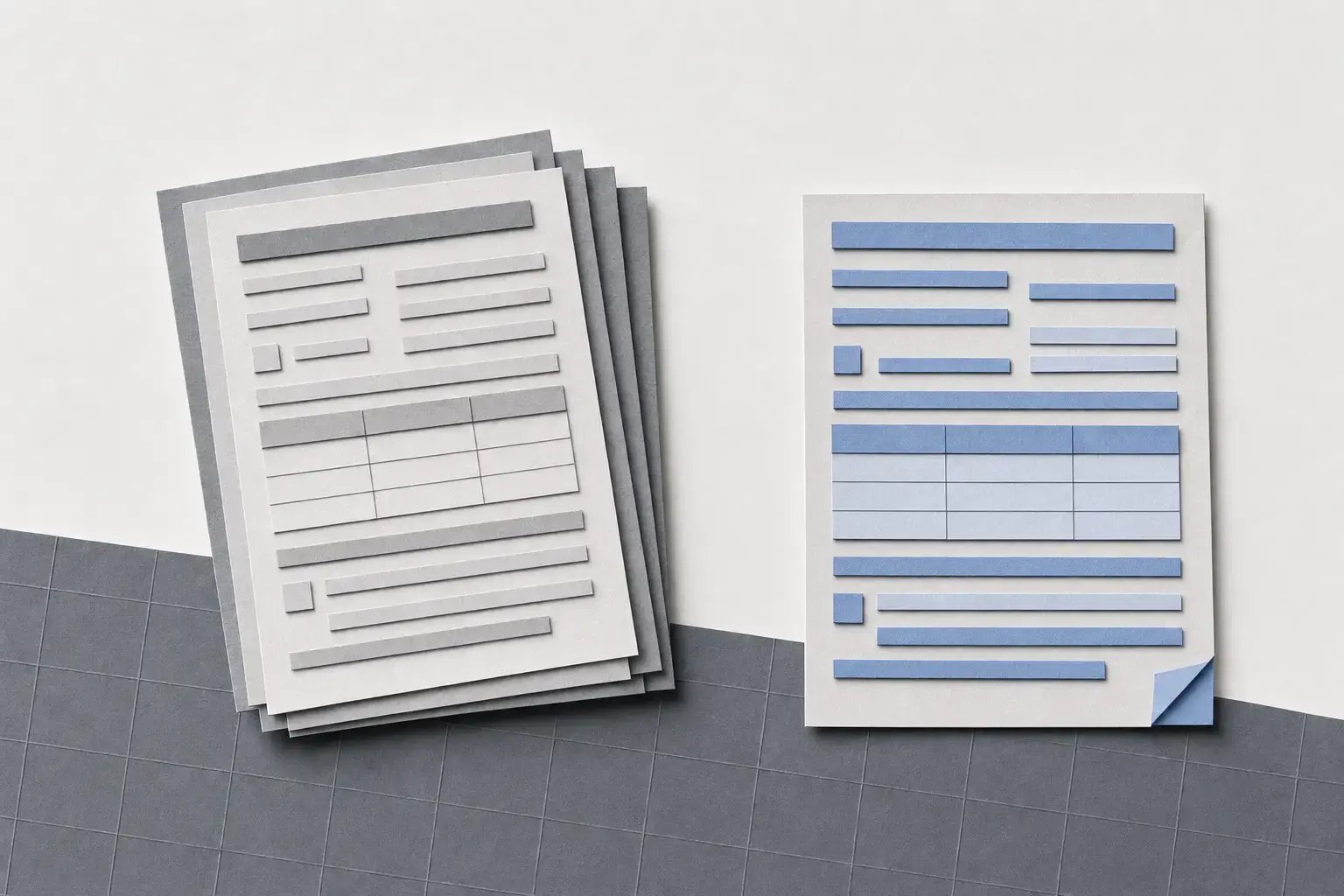
Manage W-2, 1099-NEC, 1099-MISC, 1095-C, W-2G, 1042-S, 1098, and T4 forms through the same review and distribution process.
forms-2b8b696c

ACA compliance

ACA data tracked year-round

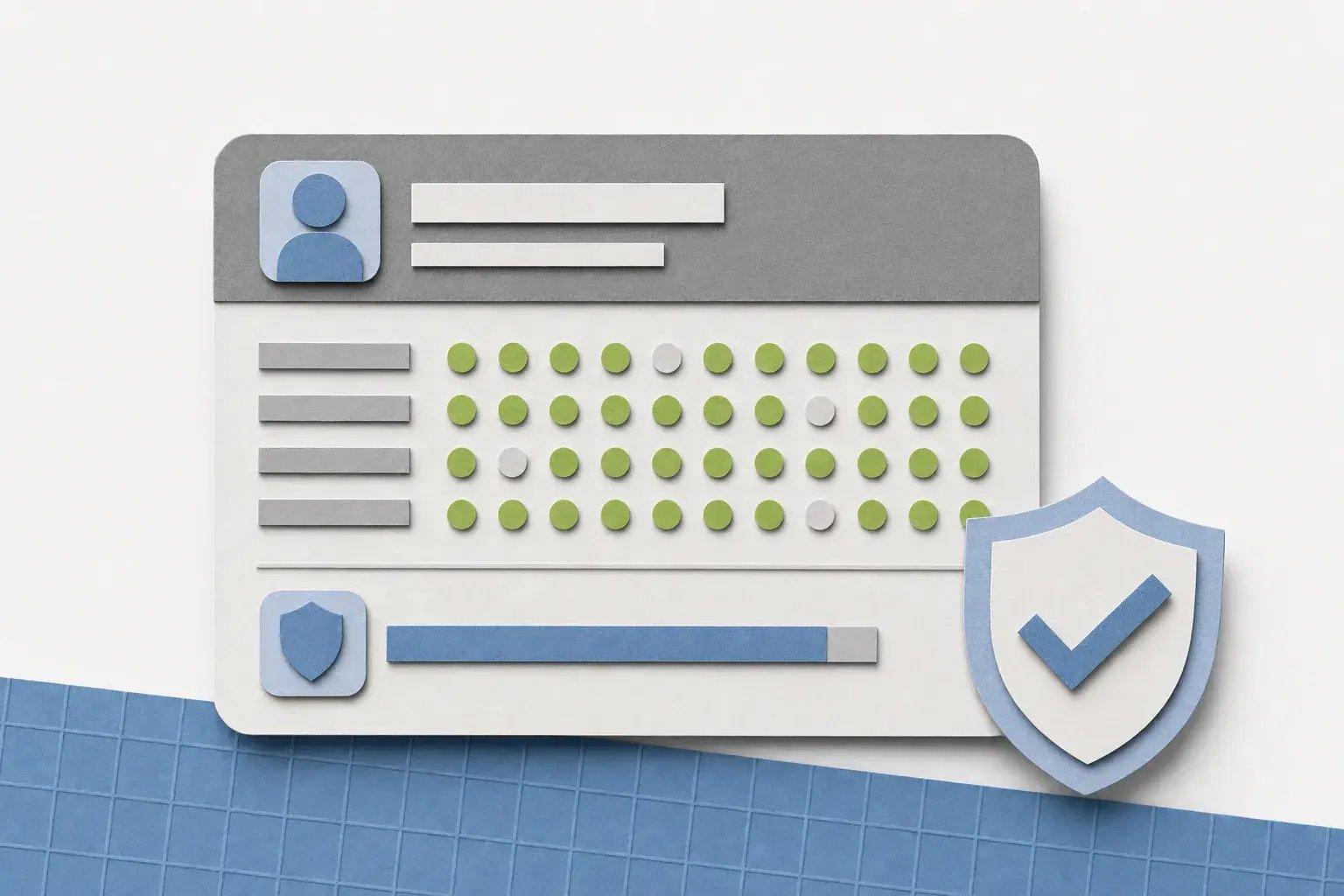
Generate 1095-Cs using ACA eligibility data tracked throughout the year based on actual hours worked.
aca-eligibility-tracked-throughout-the-year-17e6b558

safekeeping

Annual archiving

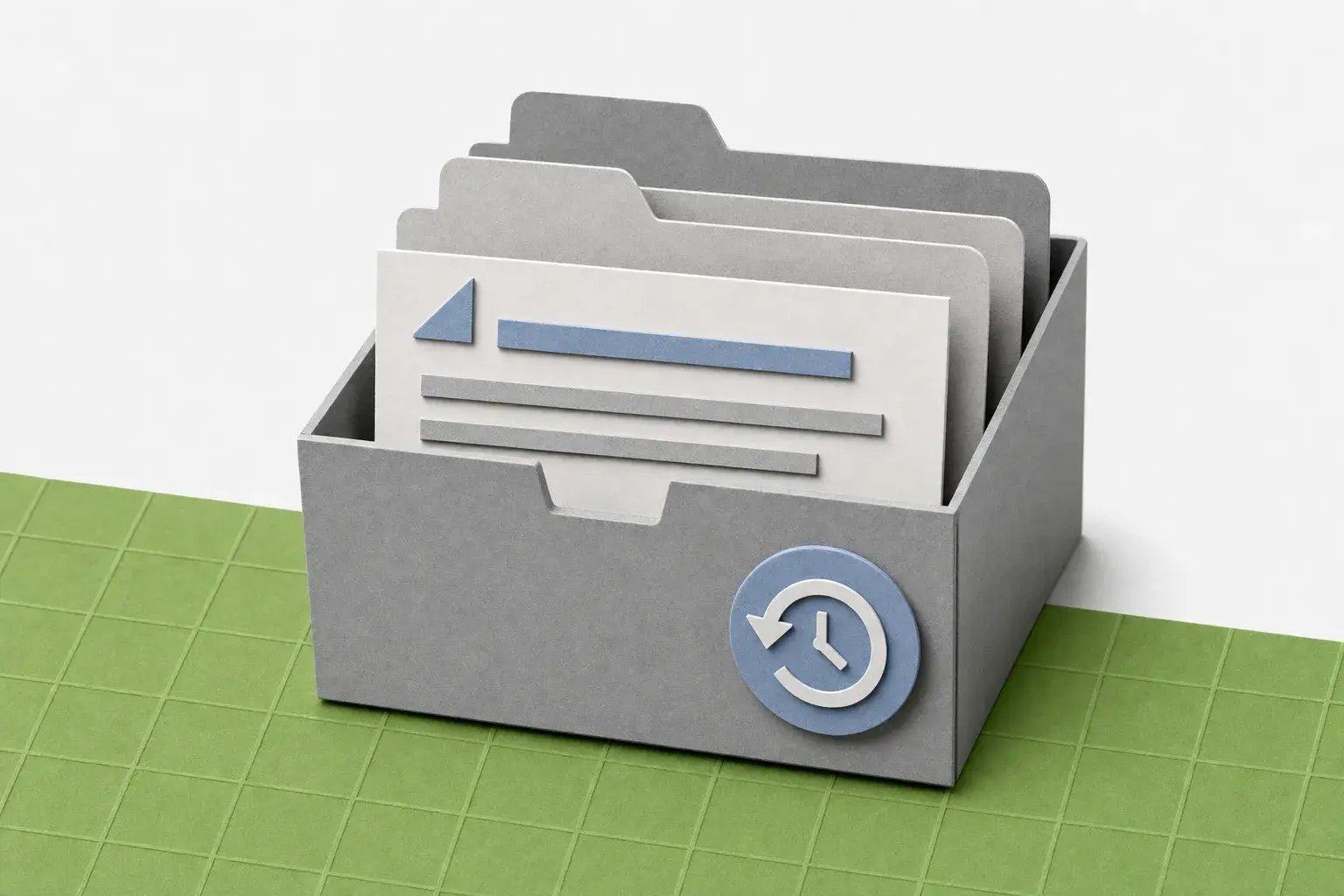
Year-end form data is archived in the platform, giving your team access to previous records for audits, corrections, and compliance reviews.
annual-archive-of-year-end-form-records-5e625a80

Flexibility

Import flexibility for standalone use

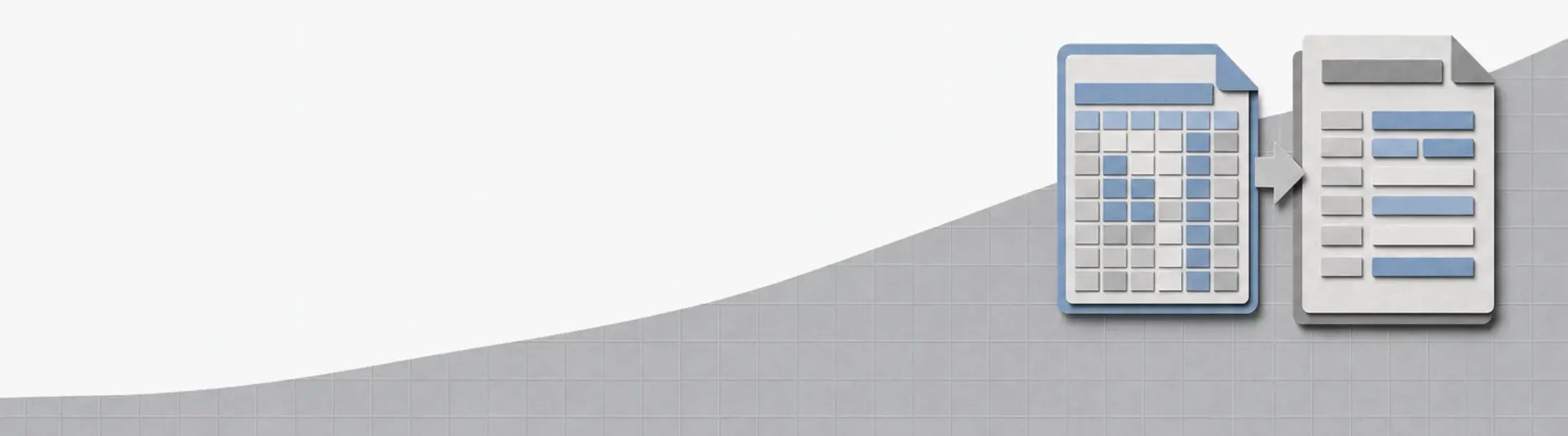
You don't need to use Greenshades Payroll. Import data from Excel or a supported ERP and use the same review, correction, distribution, and filing tools.
import-spreadsheet-data-into-year-end-forms-wide-977f318e

expertise

Built on 20+ years of tax compliance

Greenshades started as a tax compliance company. Year-End Forms is backed by more than two decades of experience managing payroll tax reporting and filing.
tax-form-eaa034ee

How it works

From your data to filed forms, without the back-and-forth

  1. Data intake

    Get your data in

    Year-end data for Greenshades Payroll customers is pulled straight from pay run history. If you run payroll elsewhere, it's easy to import directly or upload from Excel.

  2. REVIEW

    Review and correct

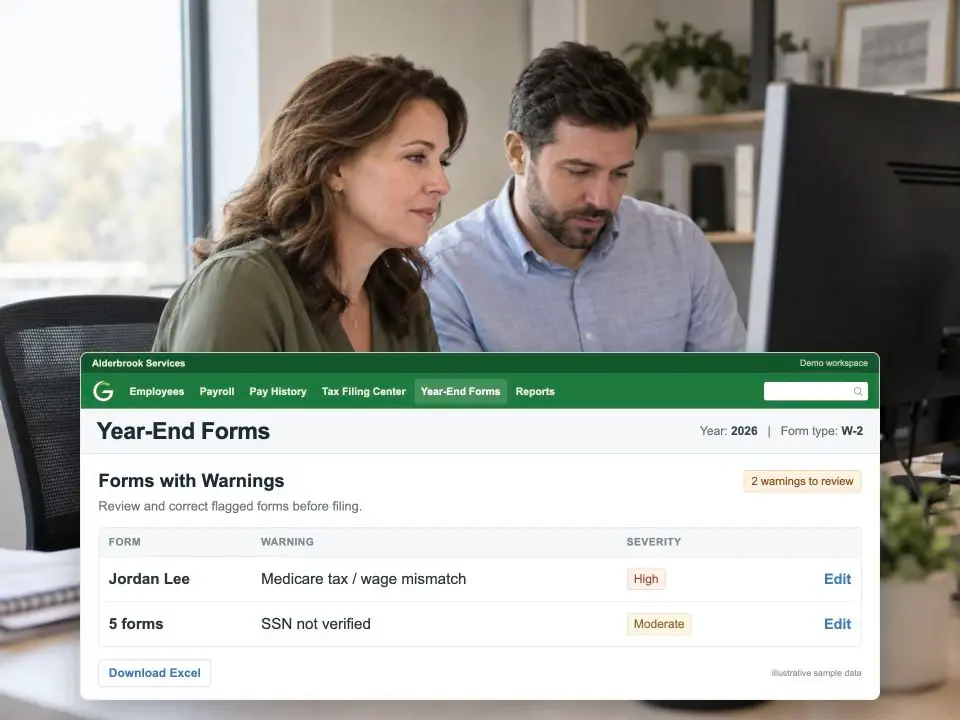
    Review every form in a spreadsheet-style editor before filing. Make corrections directly in the platform and confirm your data is ready.

  3. verification

    Verify before you file

    Run SSN and EIN checks against government records before filing to identify mismatches while there's still time to fix them.

  4. distribution

    Distribute and file

    Give employees access through self-service, send forms by mail, download and print them, or deliver them to supported tax preparation services. Greenshades also handles agency filing where supported.
year-end-product-review
80% LESS W-2 PRINTING

"The electronic filing for W2s with Greenshades allowed us to meet our first year's goal and reduce W2 printing by over 80%."

Jean Stevens Director of Finance & Administration, Evansville Vanderburgh Airport Authority

Good to know

Questions we get about Year-end Forms

Greenshades supports W-2, 1099-NEC, 1099-MISC, 1095-C, W-2G, 1042-S, 1098, and T4 forms. Forms can be generated from Greenshades Payroll data or imported from Excel or a supported ERP. 

No. Year-End Forms can be used as a standalone solution with data imported from your existing payroll or ERP system. 

Employees can receive forms through self-service, direct mail, download and print, or supported tax preparation services.

For most employers, W-2s and 1099-NECs are due to employees and recipients, and to the SSA and IRS for electronic filers, by January 31. State deadlines vary. Greenshades tracks deadlines and either files on your behalf or provides instructions, depending on the return type.

Yes. The spreadsheet-style editor lets you correct individual forms without regenerating the whole batch. Corrections needed after filing go through an amended return — contact Greenshades support for guidance.

Verification checks employee and vendor identification numbers against government records before filing season, flagging mismatches so they're corrected in review instead of after the IRS rejects a return.

Best practice is starting in November: verifying employee addresses, running SSN and TIN checks, and confirming every pay run for the year is reconciled. That gives your team time to review and correct forms before the January distribution window opens.

Ready when you are

Take the scramble out of next January

Get a short walkthrough of how year-end runs in Greenshades.

We only use your email to set up your demo, and personalize your experience.