













Skip to content

Payroll, tax, and HR for nonprofits

Match every hour to its fund

Split every hour across the right grant, program, or fund as you pay your team. Every check and filing traces back to the dollar that paid for it.

Capterra rating 300+ nonprofits served
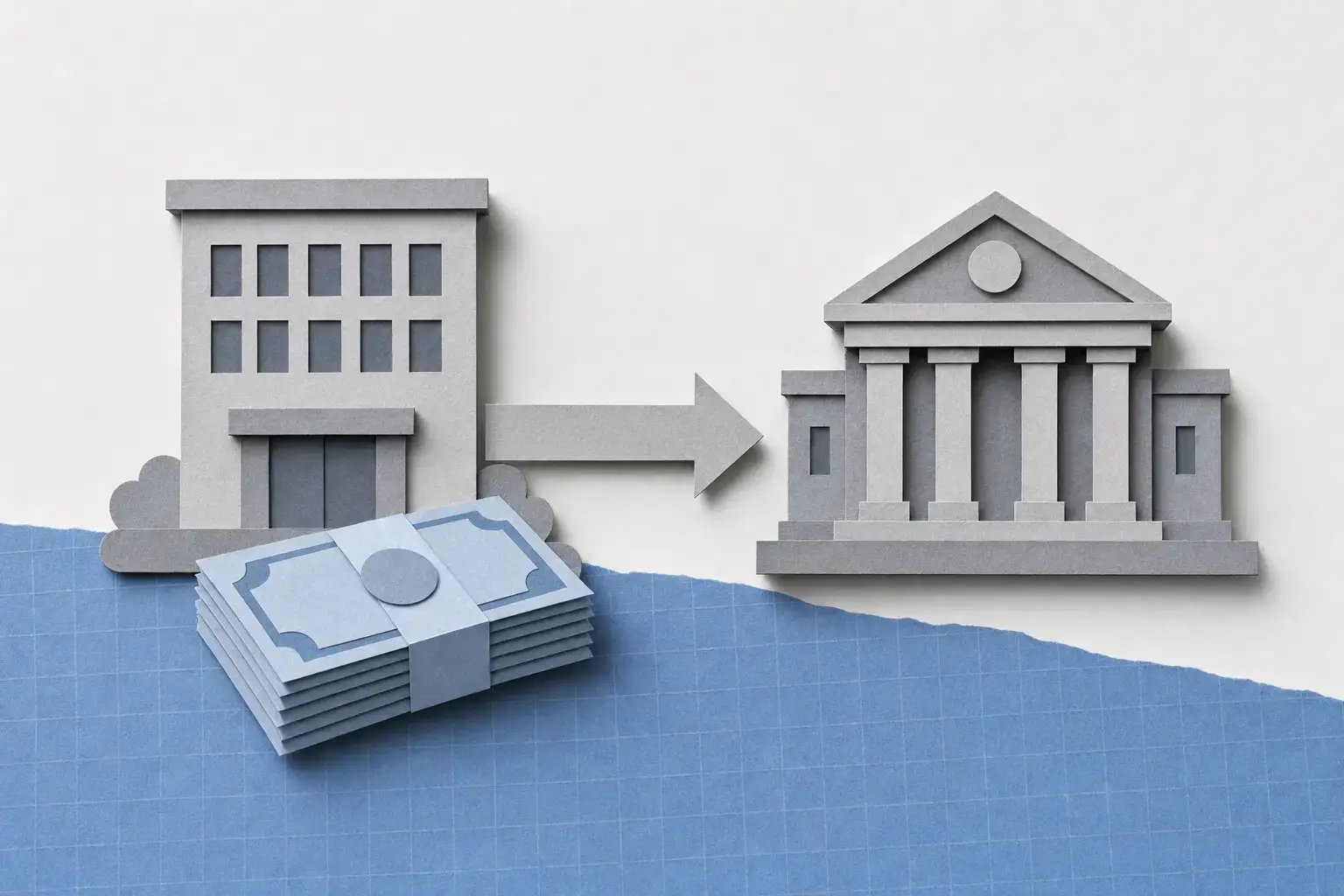
Layered-paper nonprofit community center with an outreach shuttle, staff, and program supplies

Supports your mission

Everything nonprofit payroll has to get right

Grant tracking

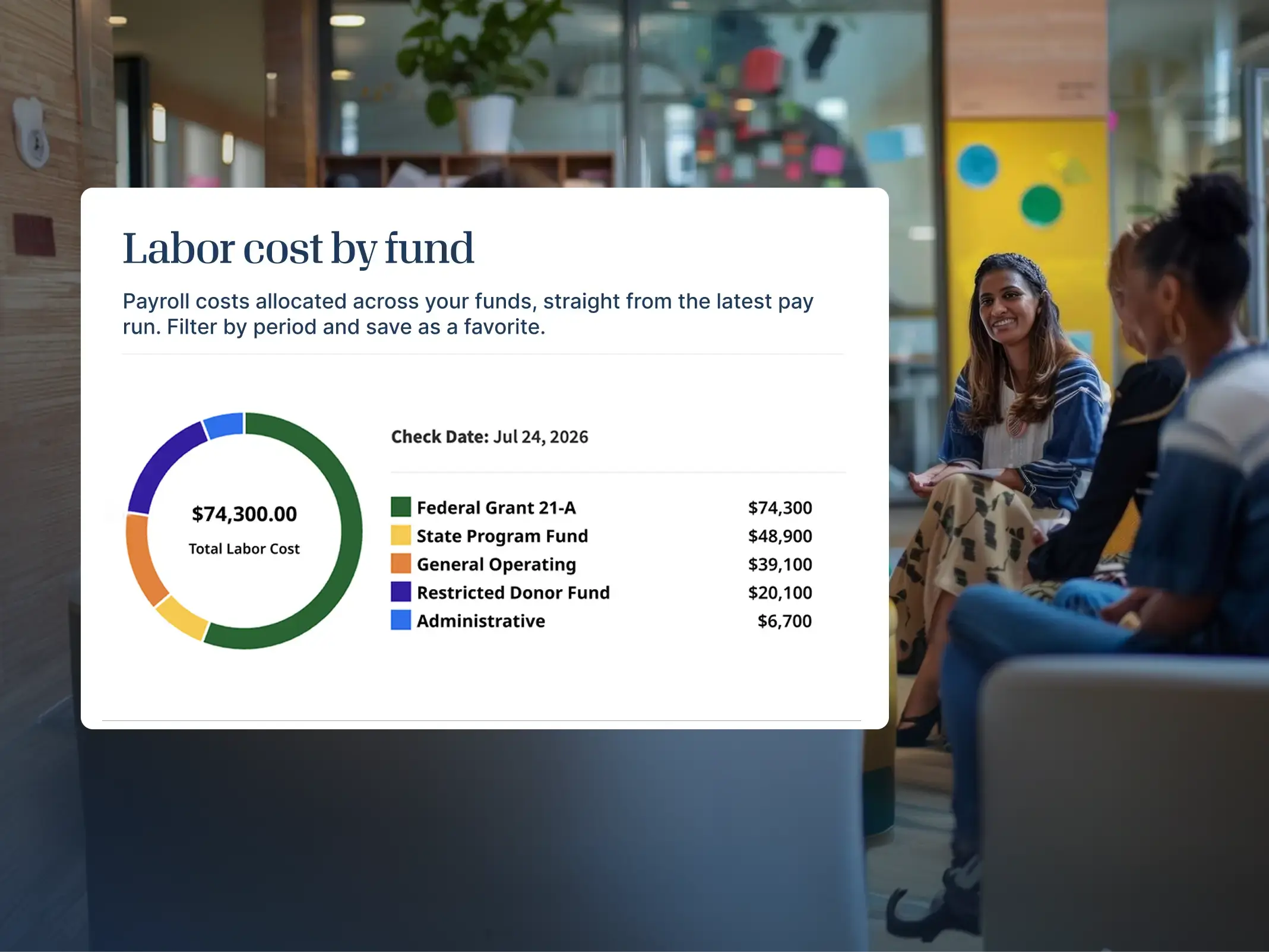
See labor costs by grant

Tag every hour worked to its grant, program, department, or fund. Cost reporting then pulls straight from payroll, already accurate for funders, auditors, and your board.

pie-chart-e23ea4e3

Cash flow

No pre-fund requirement

Keep control of your bank account. Funds stay with you until taxes are actually owed, so nothing sits idle that could be funding the work.
no-pre-fund-requirement-ab330b21

Workforce

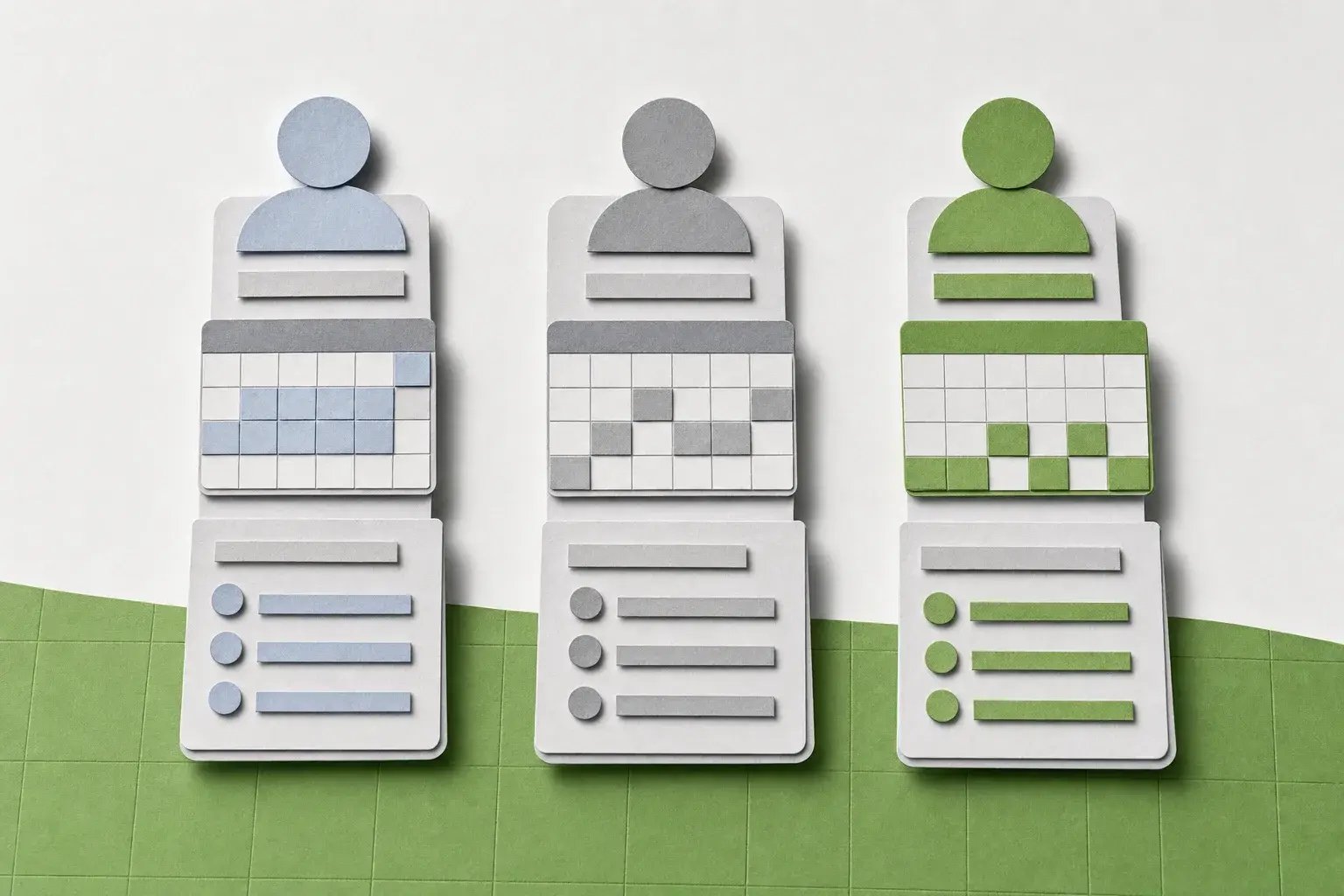
Pay different worker types

Run schedules for full-time, part-time, stipended, and seasonal staff, with the right classification and compliance rules applied automatically.
pay-different-worker-types-ff2578c4

Year-end

File W-2s and 1099s

File W-2s and 1099s for your full mix of workers in one place. Run SSN verification before filing, and deliver by digital access, print, or mail.

forms-ae36032d

Synced to your fund accounting

Payroll that codes itself to your chart of accounts

After every pay run, GL entries post back to the funds, classes, and dimensions your accounting already uses, through our bidirectional sync or open API.
greenshades-white

Greenshades

Payroll, tax, and HR

MicrosoftSageAcumatica

Your ERP

Fund accounting

From hire to grant report

The whole payroll year already documented

  1. Before day one

    Bring someone on

    New staff complete W-4s, I-9 and E-Verify, and direct deposit from wherever they are before their start date, so no first check is late.

  2. Every pay period

    Capture hours

    Staff tag hours to the right grant, program, or fund as they go, so the split is set before payroll runs.

  3. On payday

    Run payroll

    Every tax and pay rule calculates across all your jurisdictions. Your team reviews, it doesn't recompute.

  4. When funders ask

    Report without rebuilding

    When it's time for a grant drawdown, your 990, or a board packet, the labor numbers are already there and already accurate.
labor-cost-nonprofit

Good to know

Questions nonprofit teams ask

Most 501(c)(3) organizations are exempt from federal unemployment tax (FUTA) under federal law, though state unemployment insurance (SUTA) rules still apply and vary by state. Greenshades can set up and apply the right tax-exempt settings, so you're not stuck figuring out the exceptions yourself.

During payroll, use custom fields to tag every hour worked to a specific grant, program, or fund as payroll runs. That gives you clean, accurate labor-cost data for grant reports and 990 filings, without reconciling spreadsheets after the fact.

No. With Greenshades, your funds stay in your account until taxes are actually due, then move straight to the government. There's no pre-funded tax account required, which matters when cash flow is tight.

Yes. Greenshades runs separate pay schedules and classification rules for full-time, part-time, and seasonal staff within a single workspace, so each worker type is paid — and taxed — correctly. Contract workers are supported through a dedicated contractor workspace configuration, keeping their pay and tax handling properly separated from W-2 employees.

Yes. Greenshades syncs bi-directionally with Sage Intacct, Microsoft Dynamics BC, and Microsoft Dynamics GP, posting GL batches to your existing accounts and dimensions after every pay run.

Ready when you are

Fund the work, not the paperwork

See Greenshades run on real grant structure, with a specialist who knows nonprofit payroll. Then get back to the mission.