





















Tasks & notifications
Acknowledge handbook updateView
Notifications 3Review
Green Employee Self Service
Give employees access to their pay records, direct deposit, and personal information so HR spends less time fielding requests and making updates.
 Millions of employees served
The platform
Pay & tax records
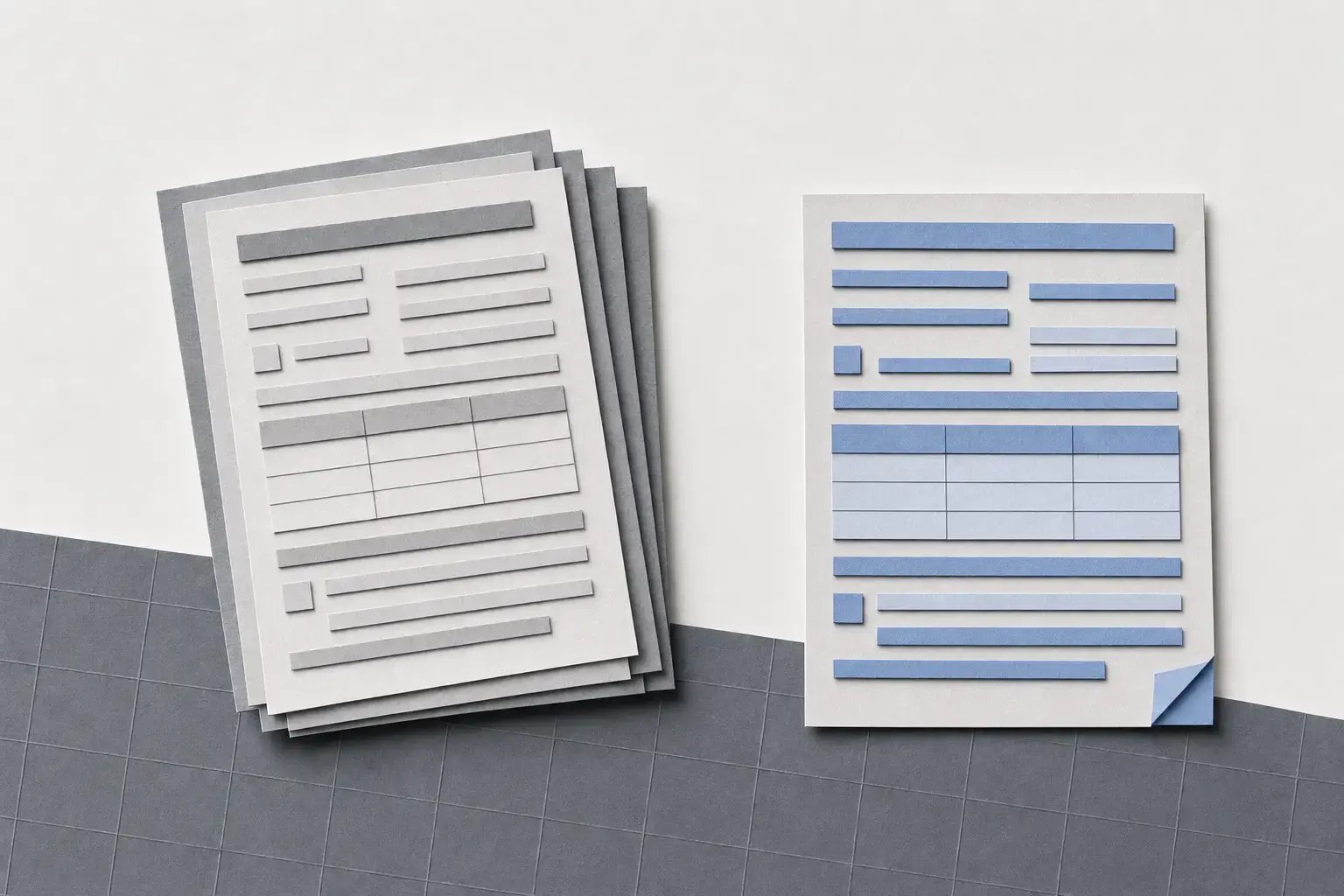
Employees view and download their own pay stubs, W-2s, and 1095-Cs in Greenshades' employee self-service platform, Green Employee, so requests for copies stop landing on your HR team.
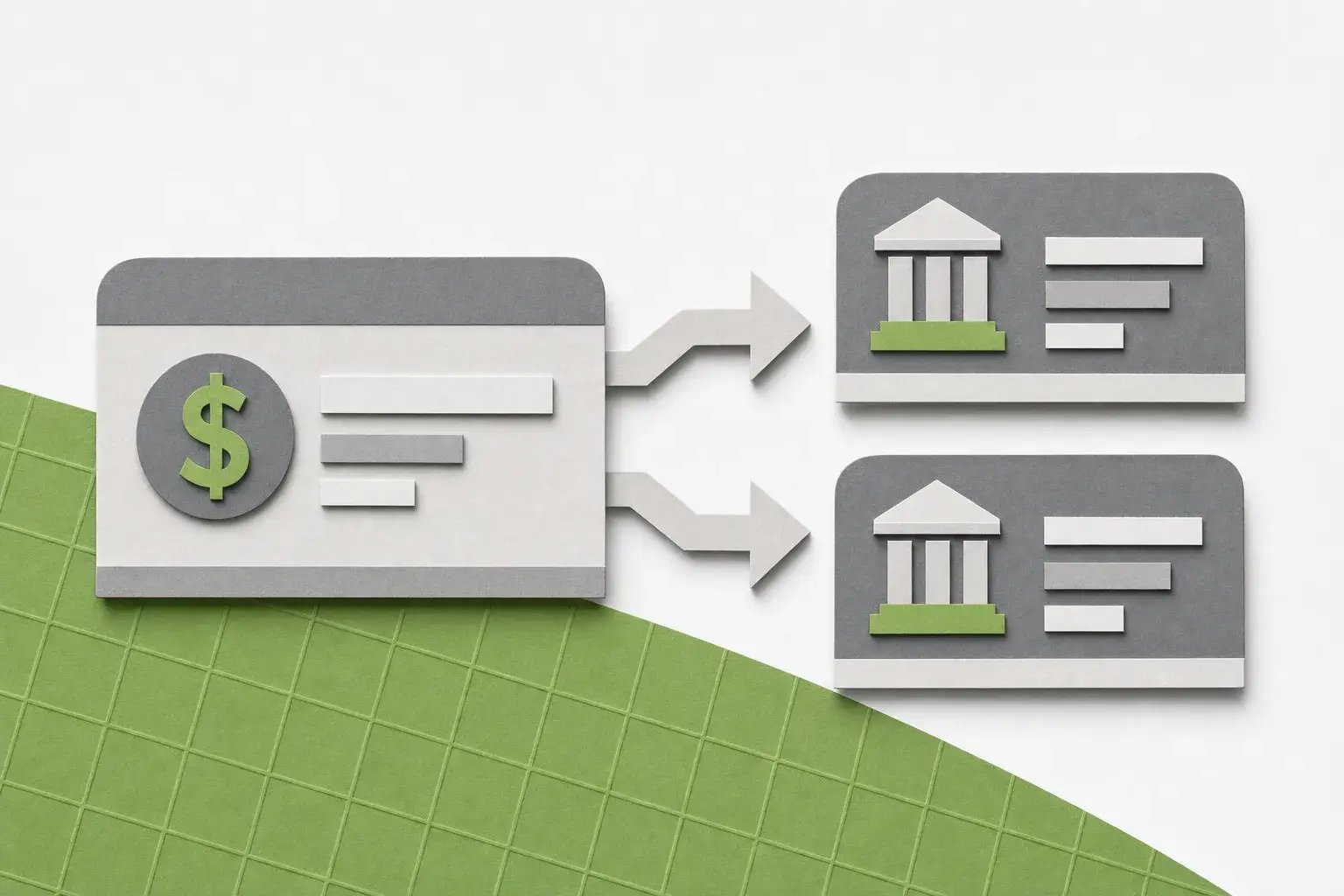
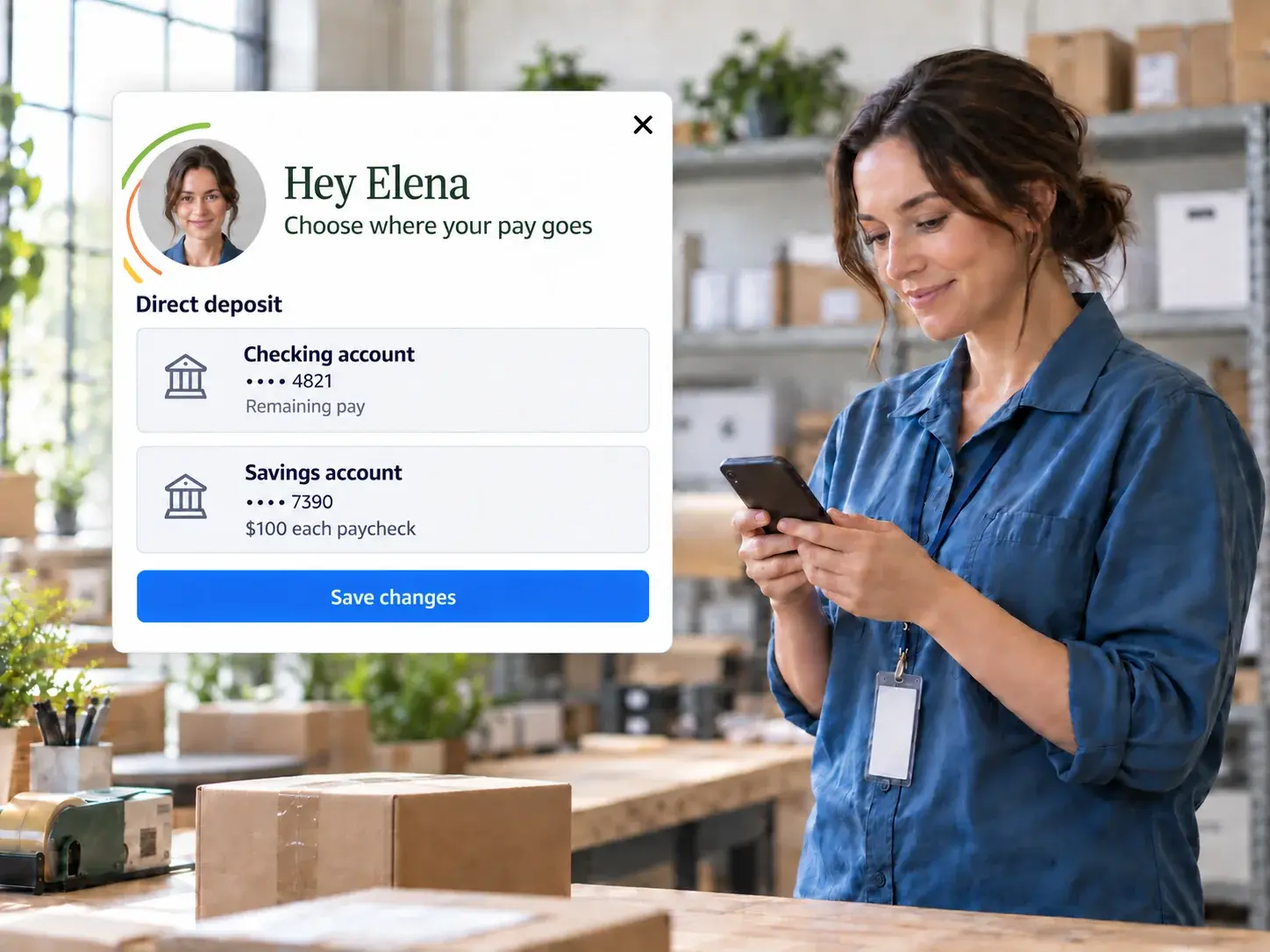
Direct deposit
Employees update their bank information and split pay across multiple accounts themselves. Your approval settings decide whether changes apply automatically or wait for review.
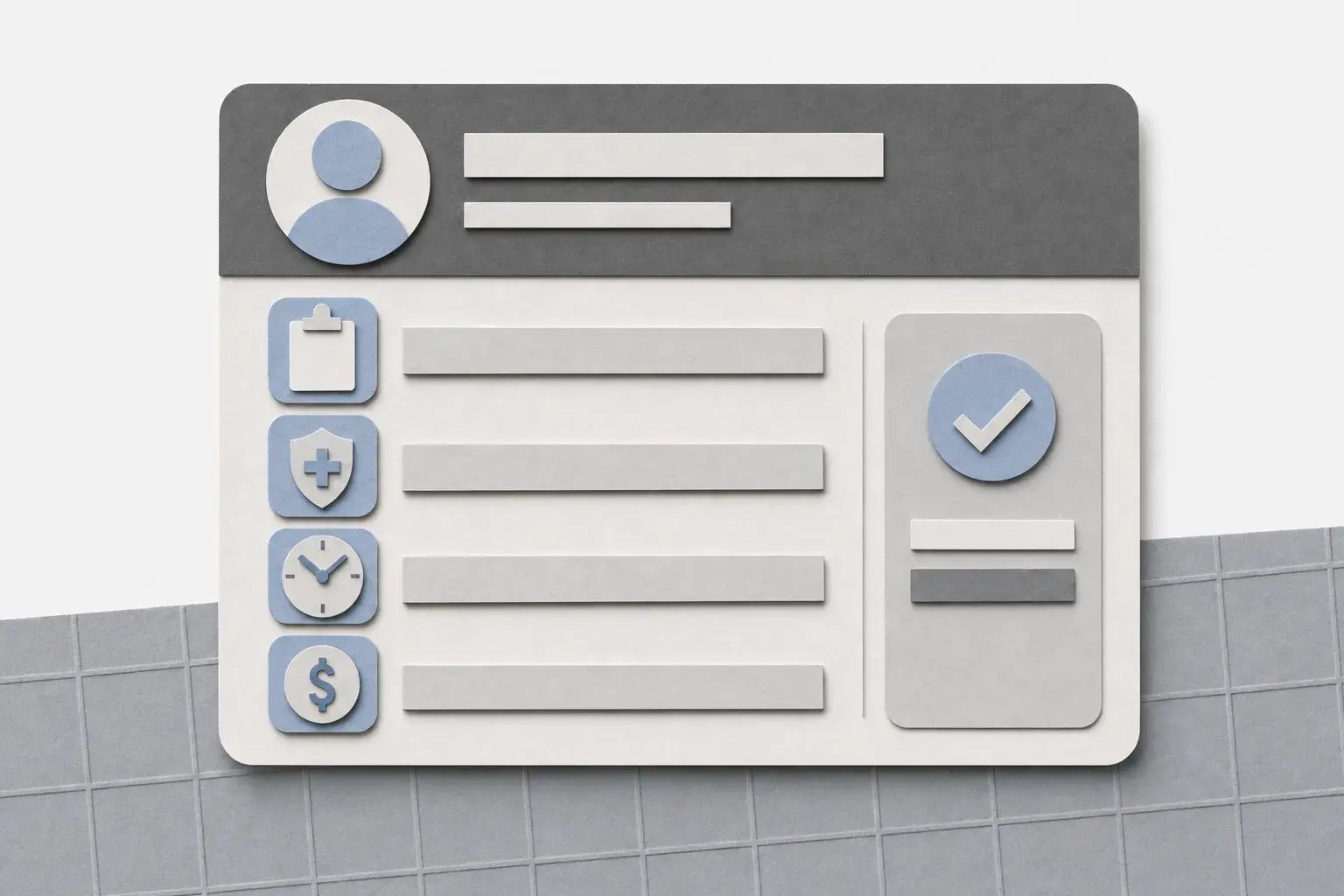
Personal details
Employees update their address, contact details, and any other profile fields you make editable, so records stay current without HR re-keying changes.
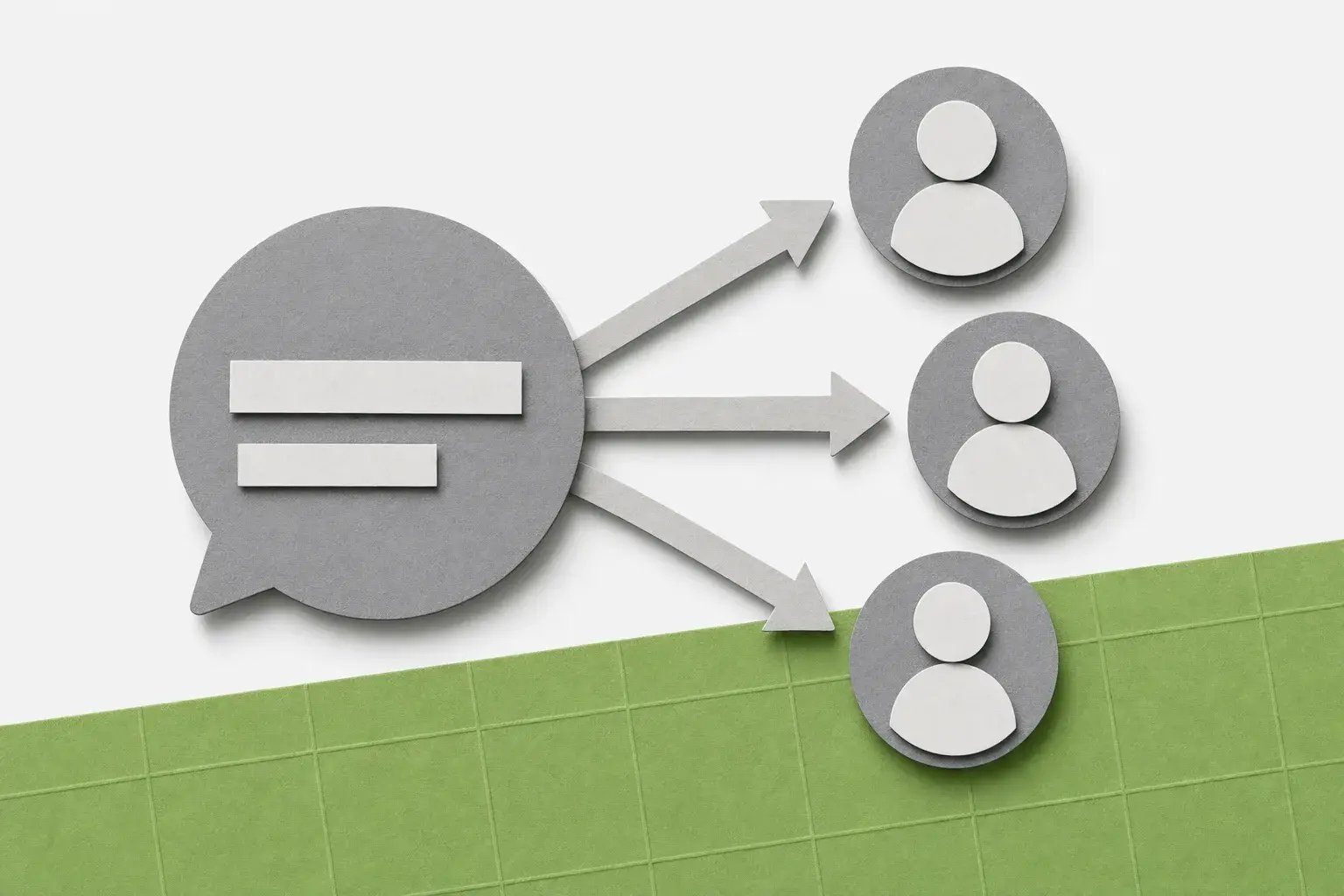
Announcements
Post bulletins to the Green Employee home page and send messages to everyone or to specific departments, locations, or individuals, with an optional email copy.
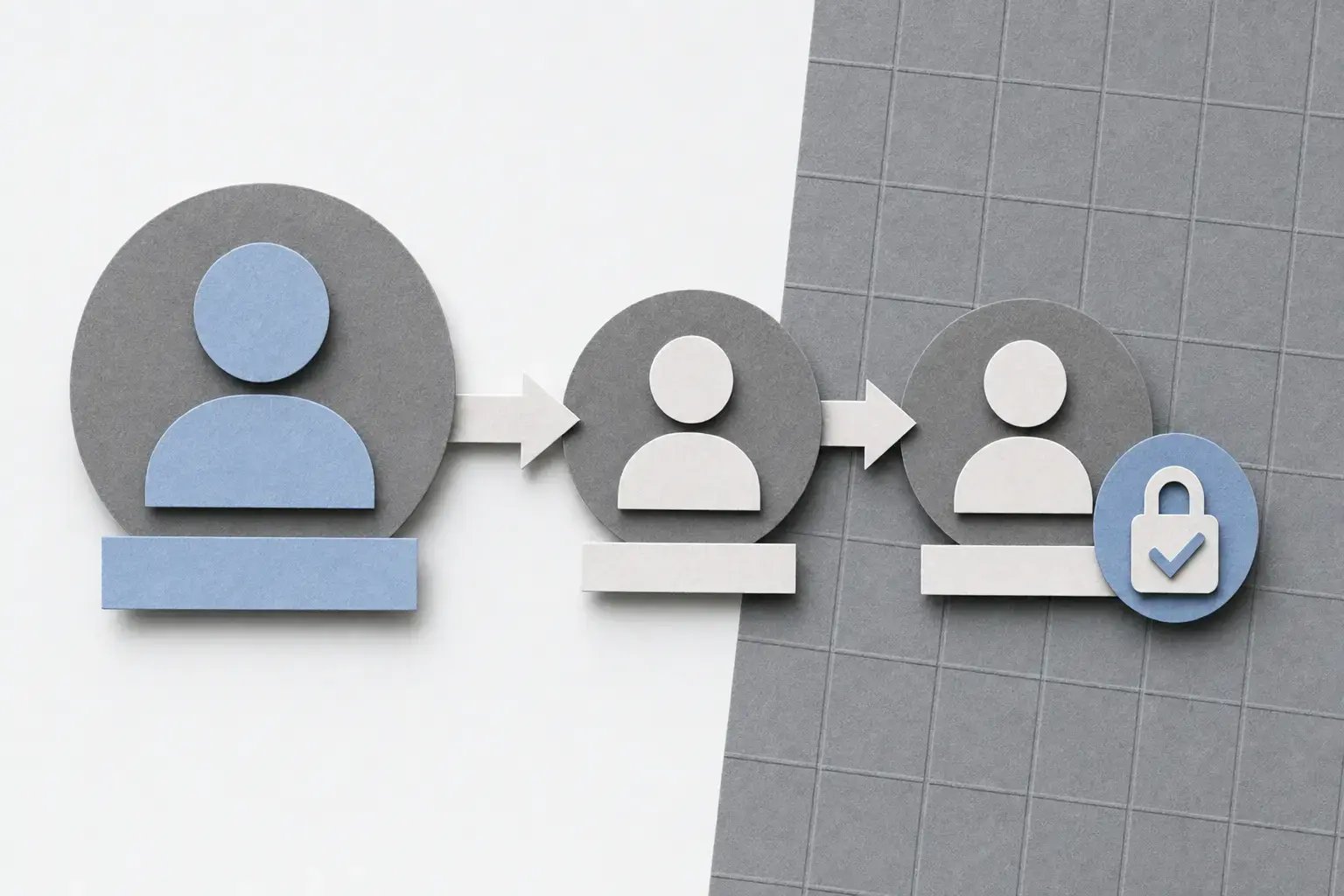
Approval controls
How it works
From a phone or computer, employees make their updates and your review rules take it from there.
 Customer story
Featured
Plasmine Technology uses Green Employee to give employees easy access to pay details and benefits information, alongside improvements to payroll, PTO tracking, and open enrollment.
Keep learning
 Webinar
 Blog article
 Blog article
Ready when you are
Fewer requests. Fewer follow-ups. See how Green Employee works today.
We only use your email to set up your demo, and personalize your experience.