



















Payroll
Run every rate on the job in one pass
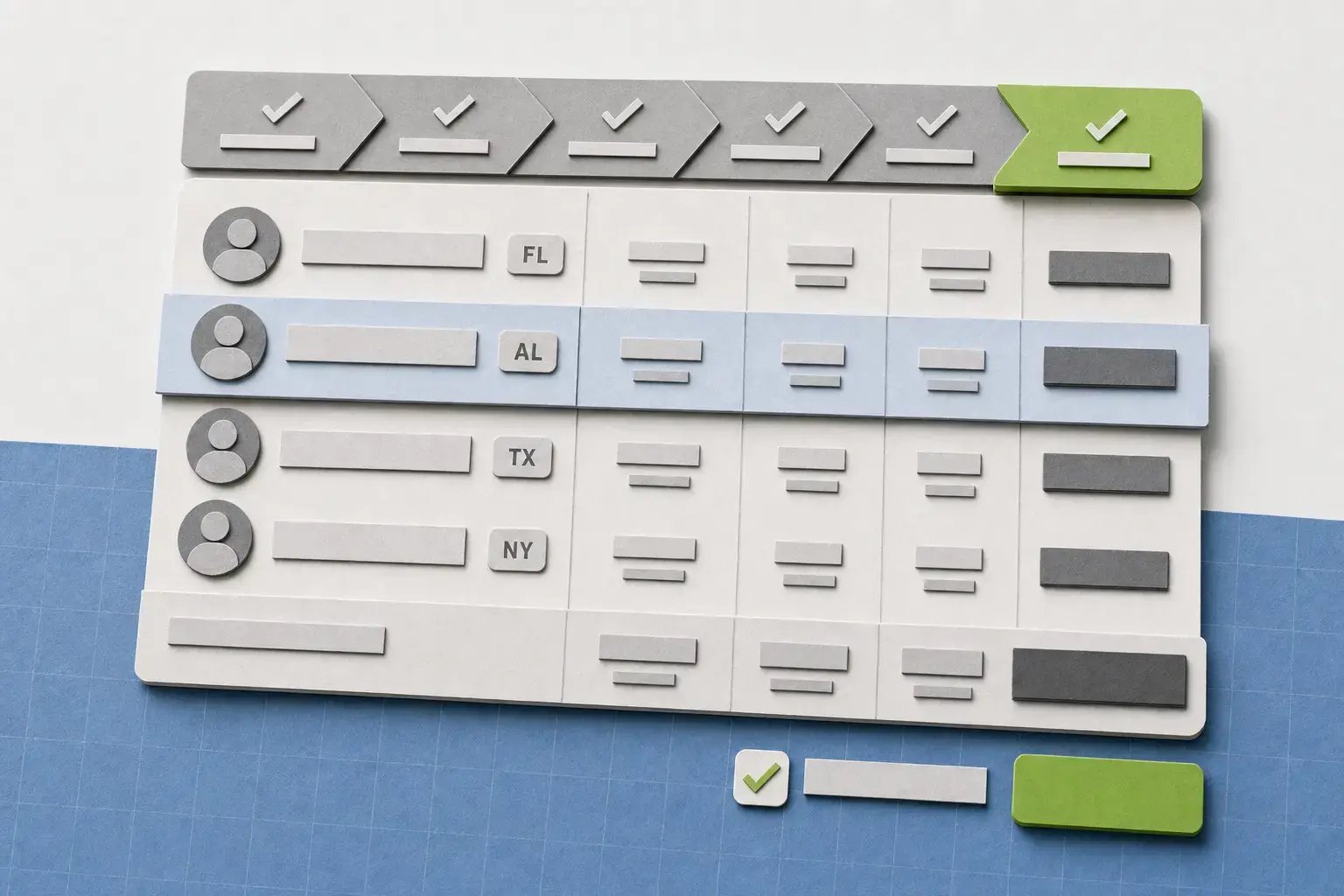
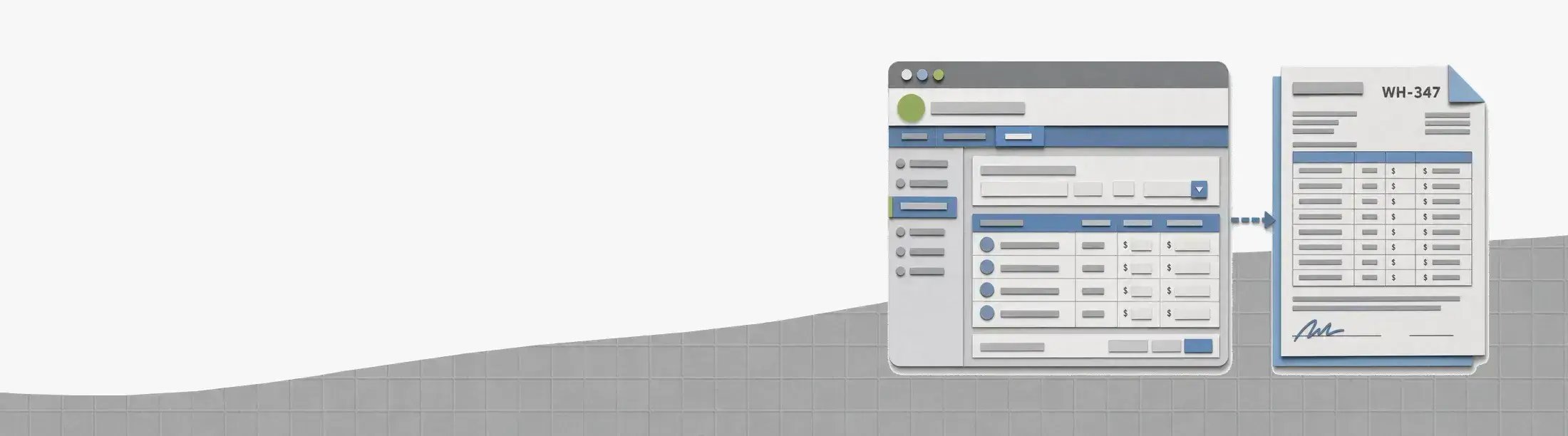
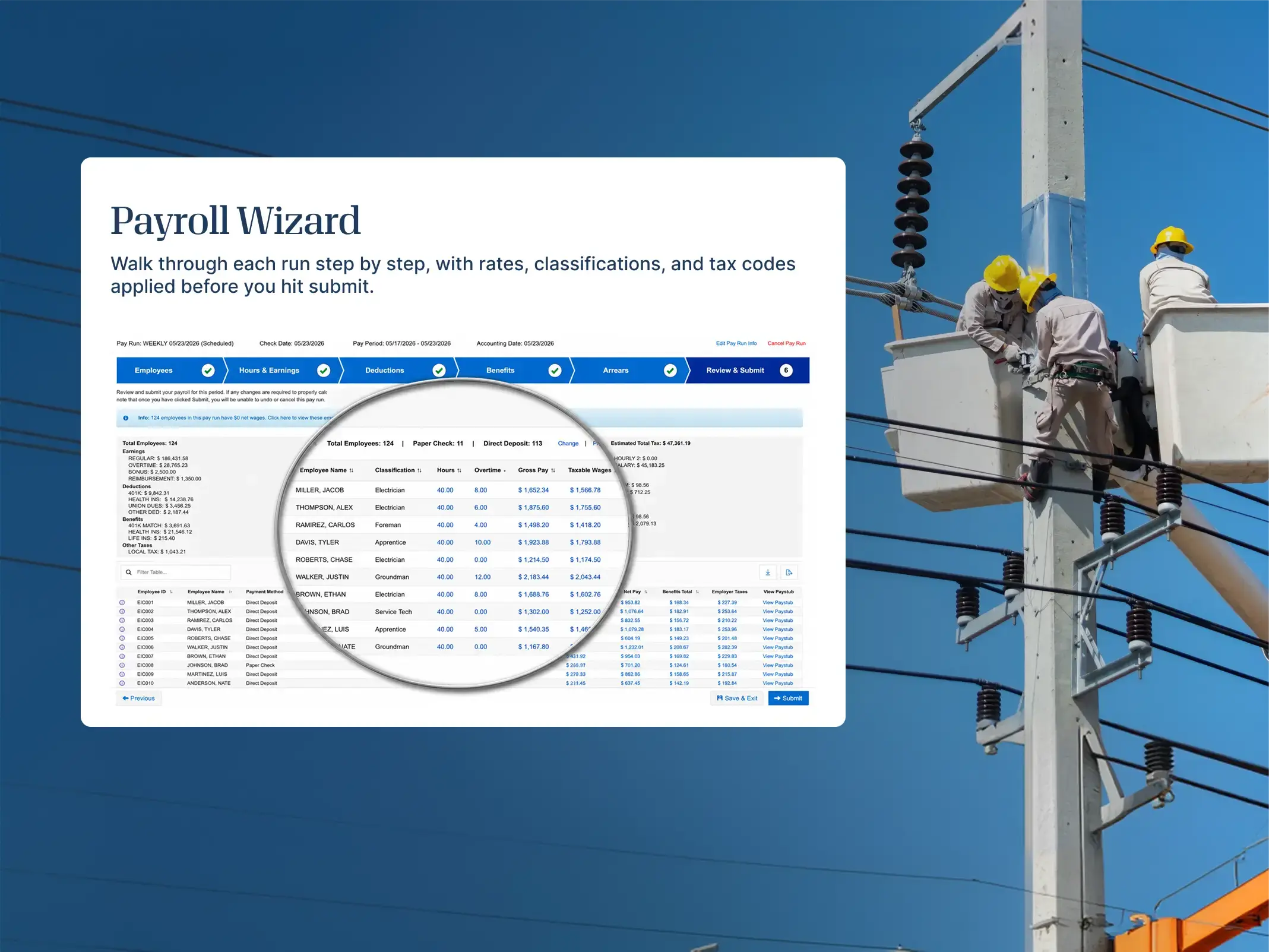
Configure position-based rates for Davis-Bacon, union scale, or shop rate — once per classification, calculated automatically in every pay run.
Payroll, tax, and hr for general contractors
Run one payroll across crews, job sites, and pay rates, with configurable position-based rates and add-on pay rules. When certified payroll is due, the underlying data is ready.
 Trusted by 4,000+ companies






One platform from job site to back office
Payroll
Configure position-based rates for Davis-Bacon, union scale, or shop rate — once per classification, calculated automatically in every pay run.
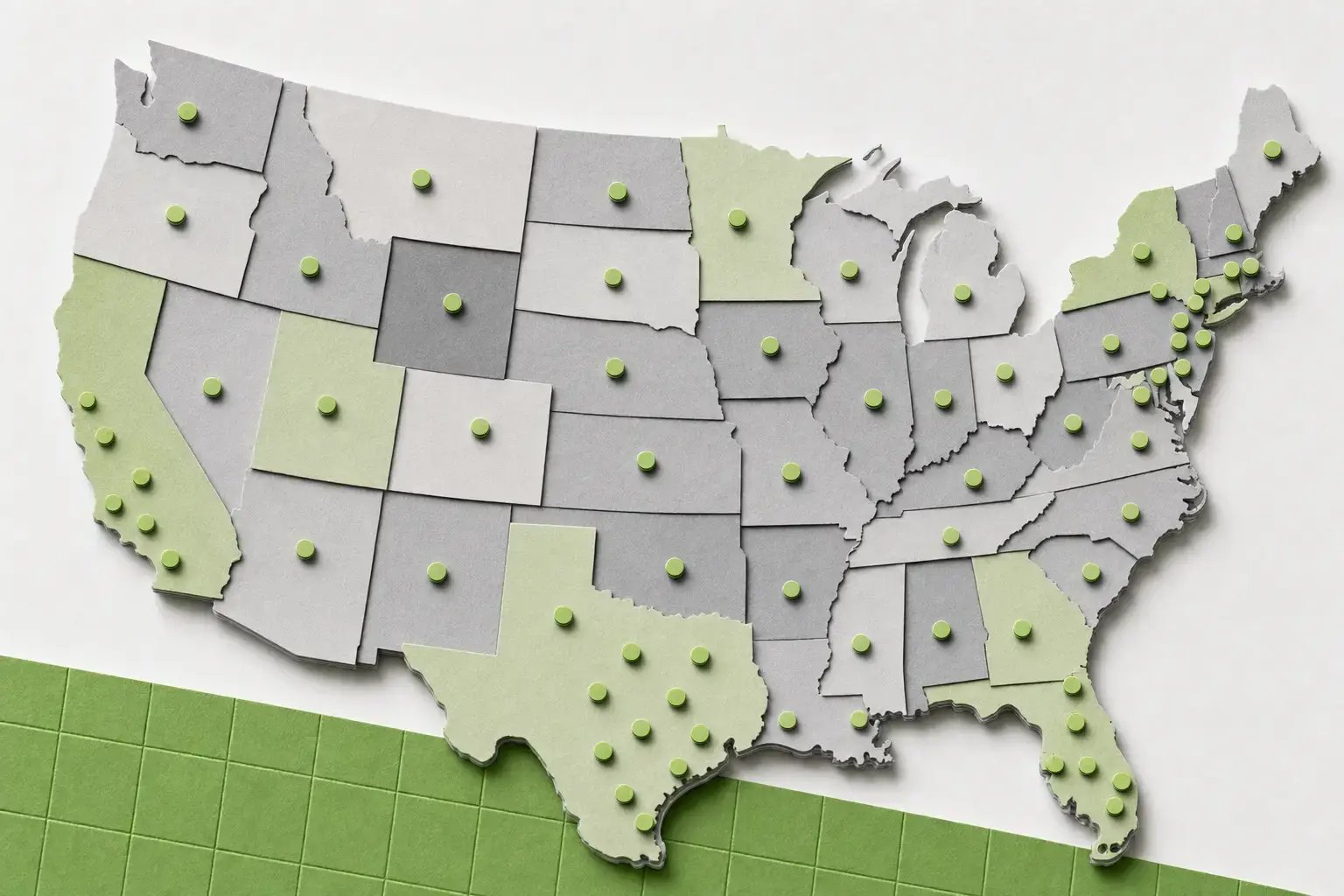
Job-site tax
State and local tax stays tied to the crew's job site, project to project and across state lines, so filings hold up when work spans jurisdictions.
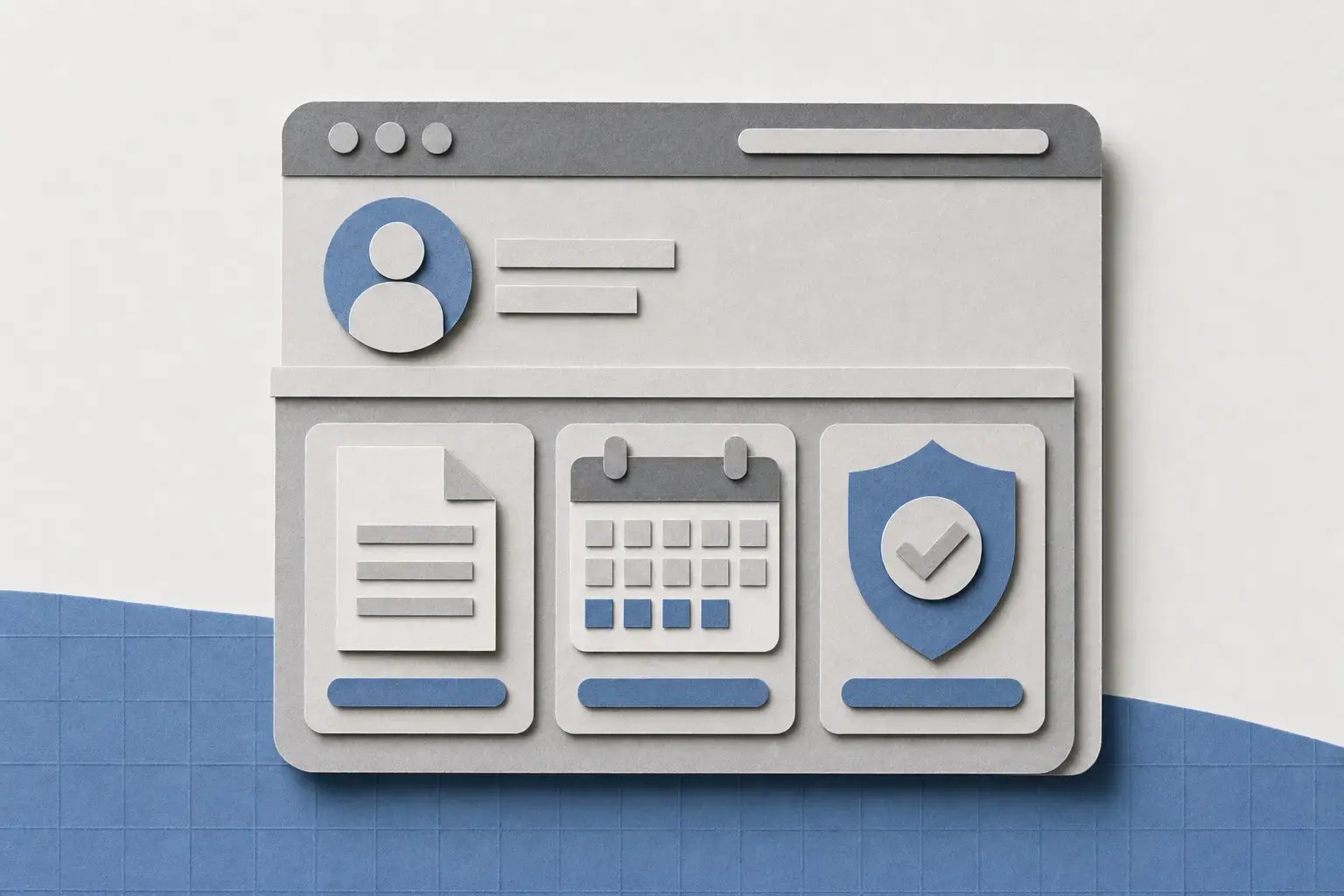
Crew access
Through Green Employee, field crews and managers get pay info, tax documents, onboarding, PTO, and benefits, wherever the work takes them.
Prevailing wage data
Fits your job-cost system
Every run drops labor back into the jobs, phases, and cost codes your accounting already runs on, over a direct sync or the open API. Keep the system you close the books in.


Hours, jobs, and cost codes
Source data
Payroll, tax, and HR
Runs payroll


Job cost and GL
Posts back*Available connections and setup depend on your accounting and time systems
How a pay week runs
The classification you set at hire, the hours the crew logs in the field, and the rate you owe all sit on one record. By the time reporting is due, there's nothing left to rebuild.
At hire
W-4, I-9 and E-Verify, and direct deposit come in from the field before the first shift, so a new hire is ready to be paid on day one.
In the field
Time posts against the classification and location as it's captured, so the rate and the cost code are settled up front, not sorted out later.
On payday
Position-based rates and add-on pay rules for prevailing wage or union scale calculate automatically, alongside multi-state tax, in one pass. Your payroll admin reviews the numbers instead of building them.
When reporting's due
Classifications, hours, and rates are ready to scope into a report to Points North or your provider, so the attestation you put your name on is backed by data that was right all week.
Keep learning
 Webinar
 Blog article
 Compliance Corner
Ready when you are
A walkthrough centered on your team, job sites, tax footprint, reporting needs, and current systems.
We only use your email to set up your demo, and personalize your experience.