Year-end resource
Featured
Year-end resource
Featured
2027 HR & Tax compliance calendar
Keep every filing deadline in view
Track W-2 and other year-end due dates in one place.
W-2 e-filing software
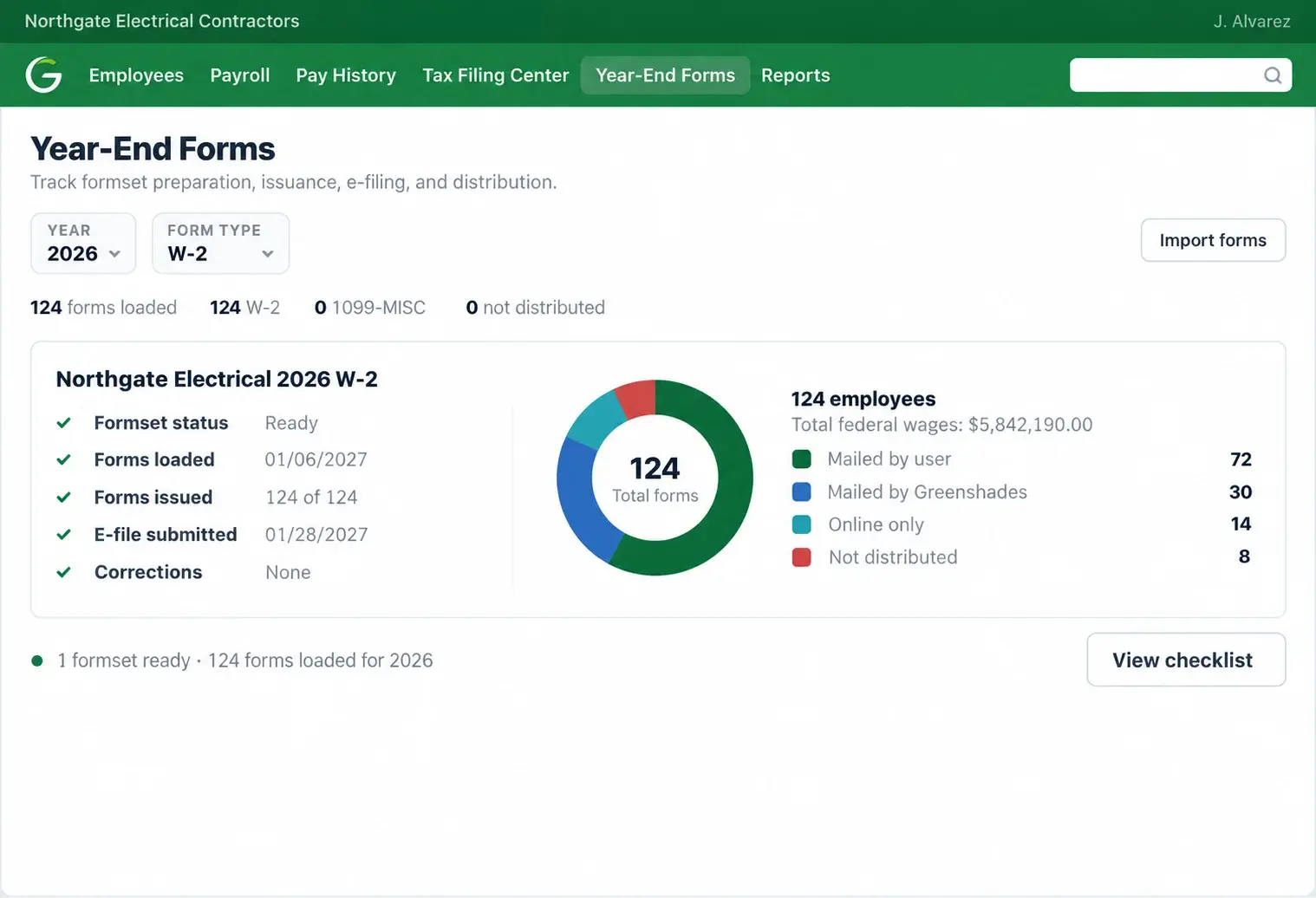
Prepare, review, e-file, and distribute employee W-2s in one place. Use your Greenshades Payroll data, upload from Excel, or import from a supported ERP system. No payroll switch required.
 55M+ forms processed

How it works with Greenshades
Pull year-end information from Greenshades Payroll, import it from a supported ERP, or upload an Excel spreadsheet. Work with the payroll data you already have.
Check employee names, addresses, wages, taxes, and required fields. Use the spreadsheet-style editor to review forms and make changes before filing.
Run available name and Social Security number checks to identify mismatches while there is still time to correct them.
E-file federal W-2s with the SSA through the supported Greenshades workflow. Give employees access online, provide downloads, or choose printing and mailing.
Why Greenshades

Use Year-End Forms alongside your existing payroll or ERP software. Import the data you have instead of migrating systems just to file W-2s.

Prepare W-2 wage statements for submission to the Social Security Administration, using the year-end data you have reviewed.

Make forms available digitally or coordinate print-and-mail distribution through the same year-end process.

Review forms before submission, manage supported W-2c corrections, and retain access to archived year-end records.

Manage supported state and local W-2 reporting requirements where applicable. Filing obligations and supported submissions vary by jurisdiction.

Deadlines, regulatory changes, and filing guides, in one place.
Year-end resource
Featured
2027 HR & Tax compliance calendar
Track W-2 and other year-end due dates in one place.
Ready to file?
Use the data you already have to review, file, and distribute W-2s with Greenshades. No need to replace your payroll system.