YOUR PAYROLL TAXES. YOUR CALL.

Control payroll, tax, and your cash.

QuickBooks now pulls your tax money on pay day, with no way to opt out. Greenshades puts you back in charge.

  • Approve every filing before it is submitted
  • Nothing leaves your account until you're ready
  • A named tax expert on your account, plus deadline reminders

Capterra rating 20+ years in payroll and tax
greenshadesonline.com
  • Sierra Nevada Brewing
  • Agape
  • King Taco
  • Pridestaff
  • Jack's
  • King University
  • Trimble
  • Gold's Gym
  • Forbes
  • 49ers

Stay in control

You used to decide when the money left your account.

Careful operators like deciding when their payroll taxes get paid. As of July 1, QuickBooks took that choice away. Now QuickBooks pulls that money after each payroll run, automatically, with no opt-out. If you have always managed submissions on your own schedule, this shift could be a real hit to cash flow and control for your business.
Read the full breakdown
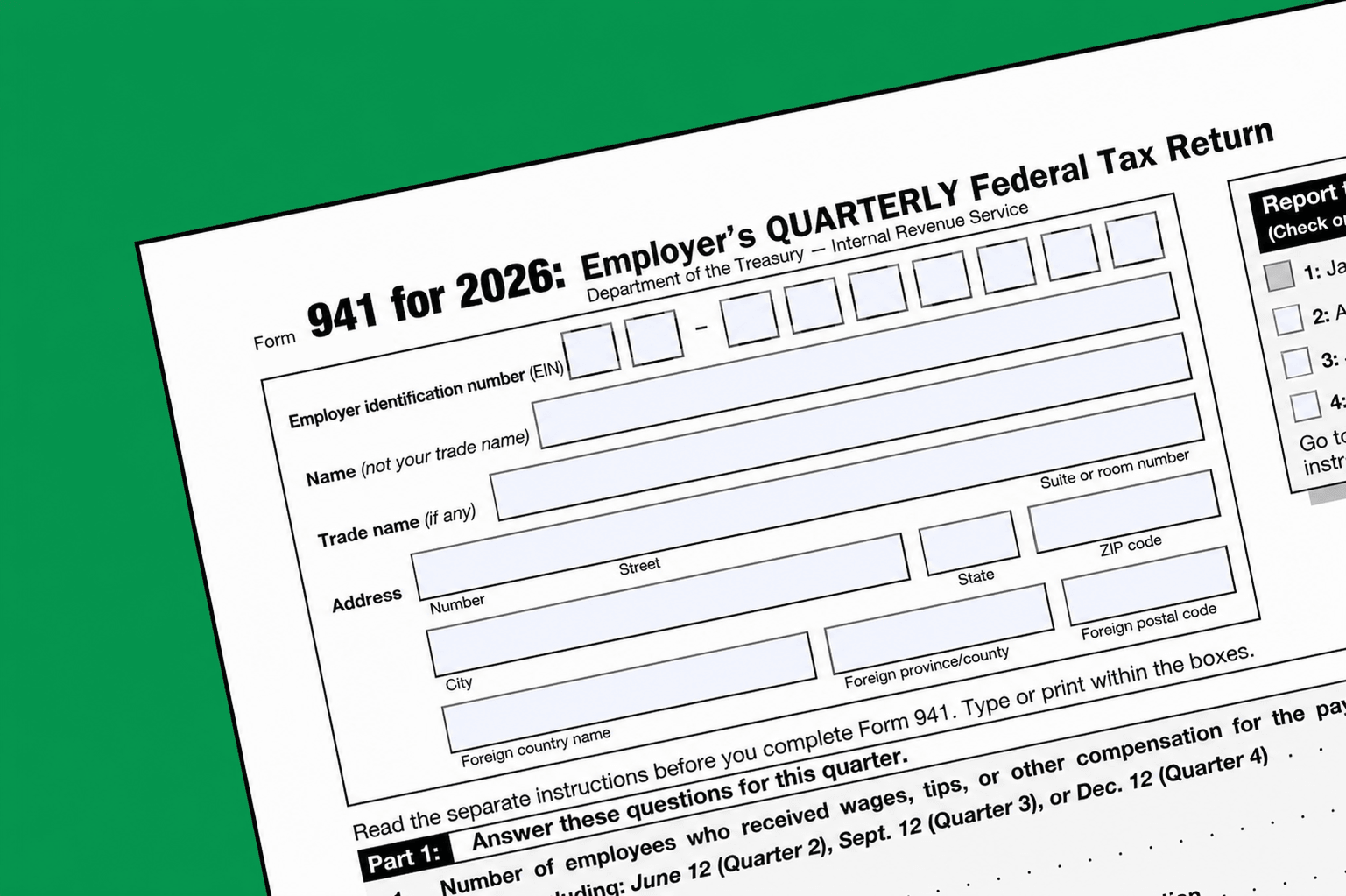
Form 941

A better way to stay compliant

The convenience of automation. Without giving up control.

Your cash stays yours

No one pulls your tax money the day you run payroll. Nothing leaves your account until you approve it, so your cash works for your business right up until it is owed.

Filing & payment

Once you approve, Greenshades submits and pays your federal and state filings for you, every cycle. For local taxes, we prepare the form and give you step-by-step filing instructions.

Dedicated tax expert

A real person assigned to you, available on demand. They handle rejection follow-up, amendment guidance, and proactive quarter-end outreach, so nothing slips through.

Run payroll your way

Unlimited pay cycles, off-cycle checks, termination pay, and last-minute adjustments at no extra cost. Built for workforces that demand more and want control.

Why Greenshades

How we compare to QuickBooks

Feature QuickBooks (after July 1, 2026) Greenshades
Approve before anything is filed No. Automated, no opt-out. Yes
When your tax money leaves the account Pulled per run, held until due Not until you approve
Named tax expert on your account No Yes
Who stays in control The software You

Works with your accounting

Keep the tools that already work.

Already using QuickBooks for your accounting? Keep it. Greenshades exports clean GL entries that QuickBooks imports, so moving your payroll and taxes does not mean redoing your books. You change what you want to change.

“Greenshades has been instrumental in transforming our payroll tax management. The ability to handle complex tax tracking across multiple states has been a significant benefit.”

Cristal Jones Director of Payroll

Take back control

Your payroll and taxes, on your terms

See how Greenshades keeps you in charge and your cash in your account, without ever missing a deadline.

FAQ

Questions, answered

No. You approve every filing before anything is submitted or paid. Greenshades surfaces what is due and prepares it. The final click is always yours.

Not until you approve. Nothing is pulled the day you run payroll. Your cash stays in your account until you approve the filing, so it keeps working for your business right up until it is owed.

Yes. After you approve, Greenshades submits and pays your federal and state filings on your behalf, every cycle. For local taxes, we prepare the form and give you step-by-step instructions to submit on the jurisdiction's site.

Your dedicated tax expert handles it. They identify why it was rejected, explain what needs to be corrected, and guide you through resubmission. You are not left to figure it out alone.

Yes. Greenshades is built for multi-state filing. The more states you operate in, the more the tracking and automated submission do for you, and your dedicated expert makes sure nothing slips through.

Yes. Keep QuickBooks for your books. Greenshades exports clean GL entries that QuickBooks imports, so moving your payroll and taxes does not mean redoing your accounting.